Weidian in English: How to Shop Weidian Without Chinese (2026)
Last updated: 31 August 2026
Here’s the blunt truth: Weidian has no English version. No English app, no English site, no language toggle hidden in the settings. It’s a Chinese platform built for Chinese shoppers, and every store page assumes you read Mandarin. That’s a wall, but not a solid one. This guide covers the browser trick that lets you read Weidian stores in English, the quirk that catches everyone (store links open the Chinese app, which won’t translate), the parts no translation tool can touch, and why most people who buy from Weidian regularly hand the Chinese side to an agent. You browse; they translate and transact.
Does Weidian have an English version?
No. There’s no official English mode anywhere in Weidian — not in the app, not on weidian.com. It was built for the domestic Chinese market and never localised for foreign buyers, so store pages, product listings, seller chat, and checkout are all in Mandarin. You can bend a web browser into translating some of it, which we’ll get to, but nothing flips the whole platform into English. This is the same barrier you hit on Goofish and Taobao, with one wrinkle specific to Weidian that makes translation trickier than usual, covered in the next section.
Why bother, then? Because Weidian is where China’s independent sellers live — niche fashion brands, custom makers, fan-merch stores you won’t find on the bigger platforms. The language gap is the one thing between you and those stores, and it’s worth solving properly rather than half-solving with a translate button. The full picture of buying from the platform is on the main Weidian agent guide.
What parts of Weidian are actually in Chinese?
All of it, and the parts that matter most are the hardest to machine-translate. Laying it out shows where the friction really sits.
| What you’re doing | Language | Can translation help? |
|---|---|---|
| Reading store and product pages | Chinese | Partly — browser translate works on the web version, not on photos with text |
| Opening a shared store link | Usually opens the Chinese app | No — the app doesn’t translate like a browser (see below) |
| Messaging a seller | Chinese, in real time | Barely — lag and lost nuance wreck it, and custom orders need precision |
| Checkout and payment | Chinese + WeChat Pay / Alipay | No — needs a Chinese account and bank card |
| Custom order specifications | Chinese | No — getting details exactly right needs a fluent go-between |
See the pattern? Reading is the easy half. Doing — opening the store properly, talking to the seller, paying, pinning down a custom order — is where Chinese stops being optional.
How do you read Weidian stores in English?
If you only want to look, a desktop browser plus its translate feature gets you a long way — but the trick is to open the store on the web, not in the app.
- Take the store or product link you were given and open it in Chrome or Edge on a computer (not by tapping it on your phone, which tends to launch the Chinese app).
- Right-click the page and choose “Translate to English.”
- The page text flips over — product names, descriptions, and prices in ¥ become readable.
Where it falls down: sellers on Weidian, like elsewhere, often write key details — measurements, materials, made-to-order terms — inside images, and image text stays stubbornly Chinese. Anything interactive, and above all checkout, resets you to square one. Reading a Weidian store in English is doable. Buying in English is a different beast, which is the whole point of this page.
Why won’t the Weidian app translate?
This is the quirk that trips people up. Weidian is built around links shared in chats and social posts, and when you tap one of those links on a phone, it usually opens directly in the Weidian app rather than a browser. The app is Chinese-only and doesn’t offer the page-level translation a desktop browser does, so you’re left staring at Mandarin with no easy way to convert it.
The workaround is to route around the app. Open the same store or product link in a desktop browser, where the translate feature works, or paste the link into your agent, who reads the Chinese for you regardless of where it opens. Because Weidian starts with a link rather than a search — there’s no marketplace to browse, as the how to buy from Weidian guide explains — getting comfortable opening those links in a browser is half the battle for reading in English.
How accurate is browser translation on Weidian listings?
Good enough to shop, not good enough to trust with the details. On plain product text — what the item is, roughly what it costs — Chrome and Edge do a solid job. Where they slip is exactly where independent-seller money is won or lost. Sizing is the big one: Chinese sellers often list their own measurements rather than standard sizes, and a literal machine rendering can turn a precise measurement into something vague or misleading. Materials, made-to-order conditions, and turnaround times get mangled the same way. And no translator can read text printed inside a photo, which is precisely where Weidian sellers tuck the details that matter most.
There’s also the matter of what a listing doesn’t spell out. A seller might note a condition, a customisation option, or a shipping caveat only in chat, and miss it and you’ve bought a problem. The practical rule is simple: translate to shortlist, verify to buy. Once something catches your eye, having your agent read the full Chinese listing and image text closes the gap between “sounds right” and “is right” — the same logic behind QC photos, where words describe an item and photos prove it.
Common Weidian terms you’ll see (and what they mean)
Even with translation running, a handful of Chinese terms come up so often on Weidian stores that it helps to recognise them directly — especially the ones telling you whether an item is in stock or made to order, which machine translation sometimes blurs. The essentials:
| Chinese | Pinyin | Meaning |
|---|---|---|
| 现货 | xiànhuò | In stock, ships now |
| 预售 / 预订 | yùshòu / yùdìng | Pre-order, made after you buy |
| 定制 | dìngzhì | Custom / made-to-order |
| 包邮 | bāoyóu | Free domestic shipping |
| 补货 | bǔhuò | Restock |
| 尺码 | chǐmǎ | Size |
| 定金 / 全款 | dìngjīn / quánkuǎn | Deposit / full payment |
| 秒杀 | miǎoshā | Flash sale |
The in-stock versus pre-order distinction is the one to watch, because it decides whether your item ships in days or is made to order over weeks — a difference that changes your whole timeline. When a listing is ambiguous, your agent can confirm the status with the seller before you pay, which is exactly the kind of thing the how to buy from Weidian guide walks through.
The parts no translation tool can fix
Translation handles words. It does nothing for the hard locks that have nothing to do with language and everything to do with being outside China.
- Phone number. Some registration and account steps expect a mainland (+86) mobile.
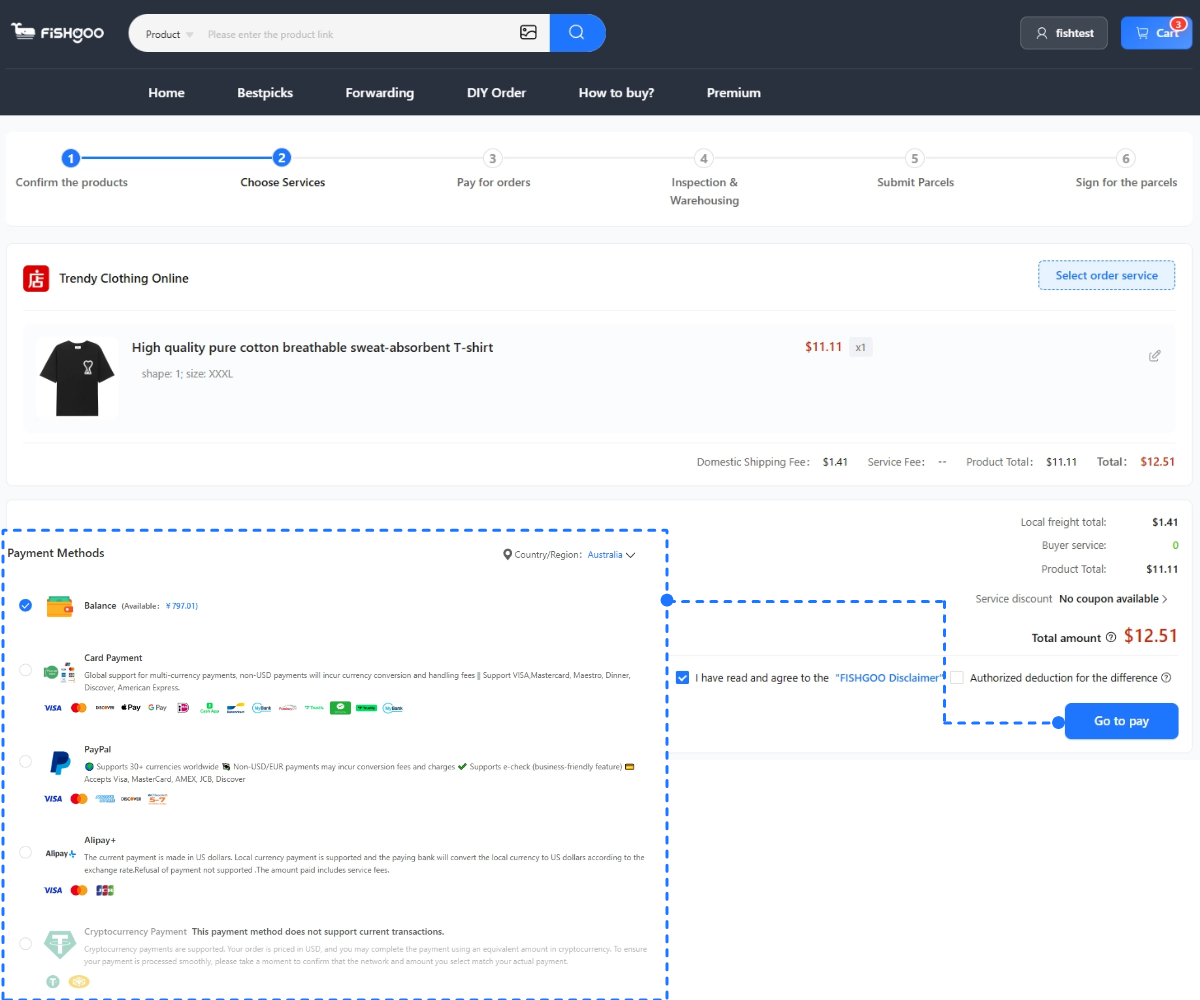
- Payment. Checkout runs on WeChat Pay or Alipay, both tied to a Chinese bank account and real-name verification. No translator conjures those.
- Shipping address. Weidian sellers post to a domestic address only, so you need a delivery point inside China.
- Live seller contact. Confirming options, agreeing custom details, or sorting a problem happens in real-time Chinese — and for made-to-order items, precision matters.
These are the same barriers that make buying from Taobao tricky from abroad, with Weidian’s added twist that many sellers make items to order, so clear Chinese communication isn’t a nicety — it decides whether your custom piece comes out right. Reading the listing was never the real obstacle.
How an agent gets you Weidian in English
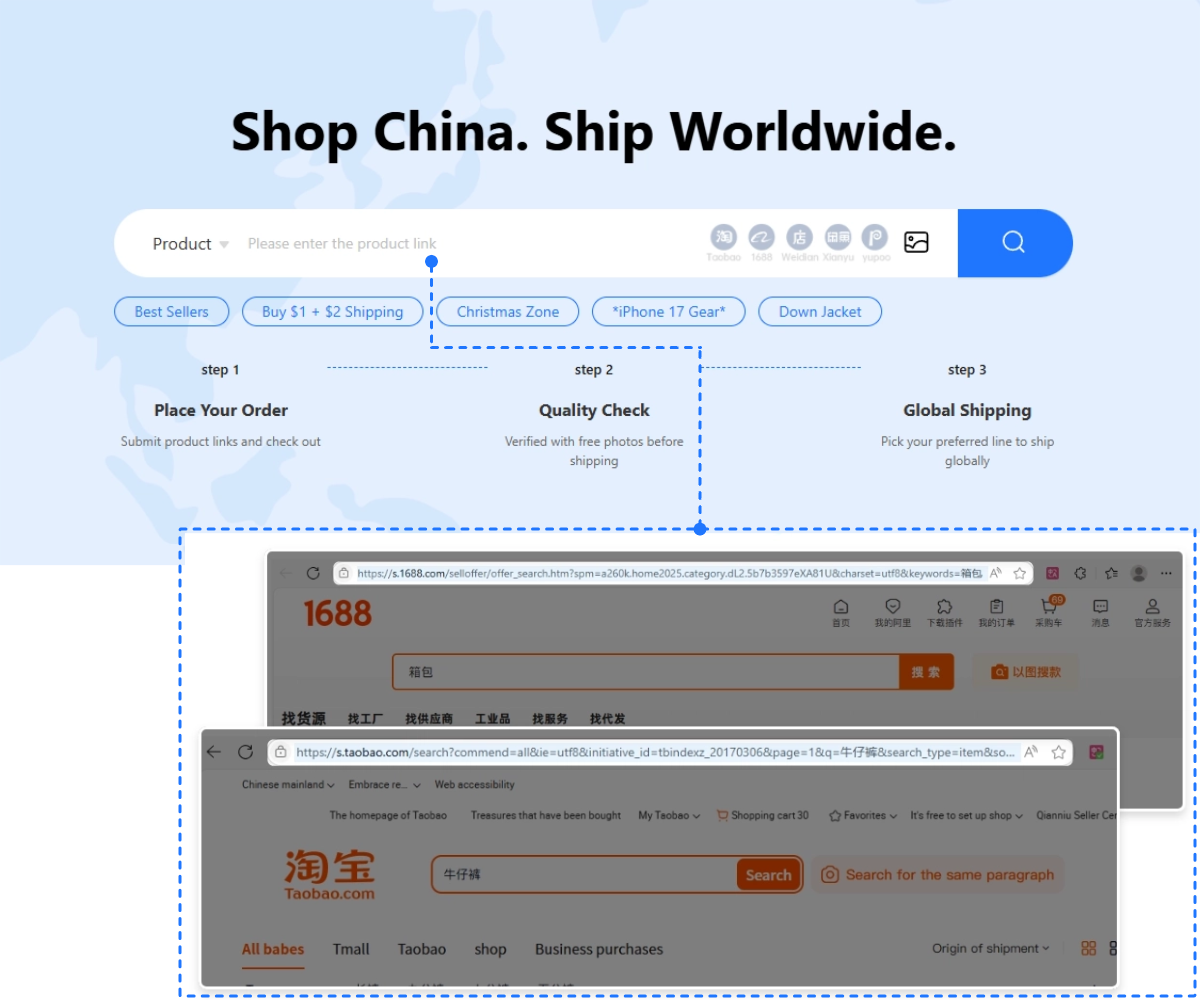
This is where the whole thing gets simple. A Weidian agent like Fishgoo is, in plain terms, your Chinese-speaking proxy on the ground. You never touch the Chinese interface for the parts that count. The flow looks like this:
- You find a store or product (browser-translated is fine) and send the link.
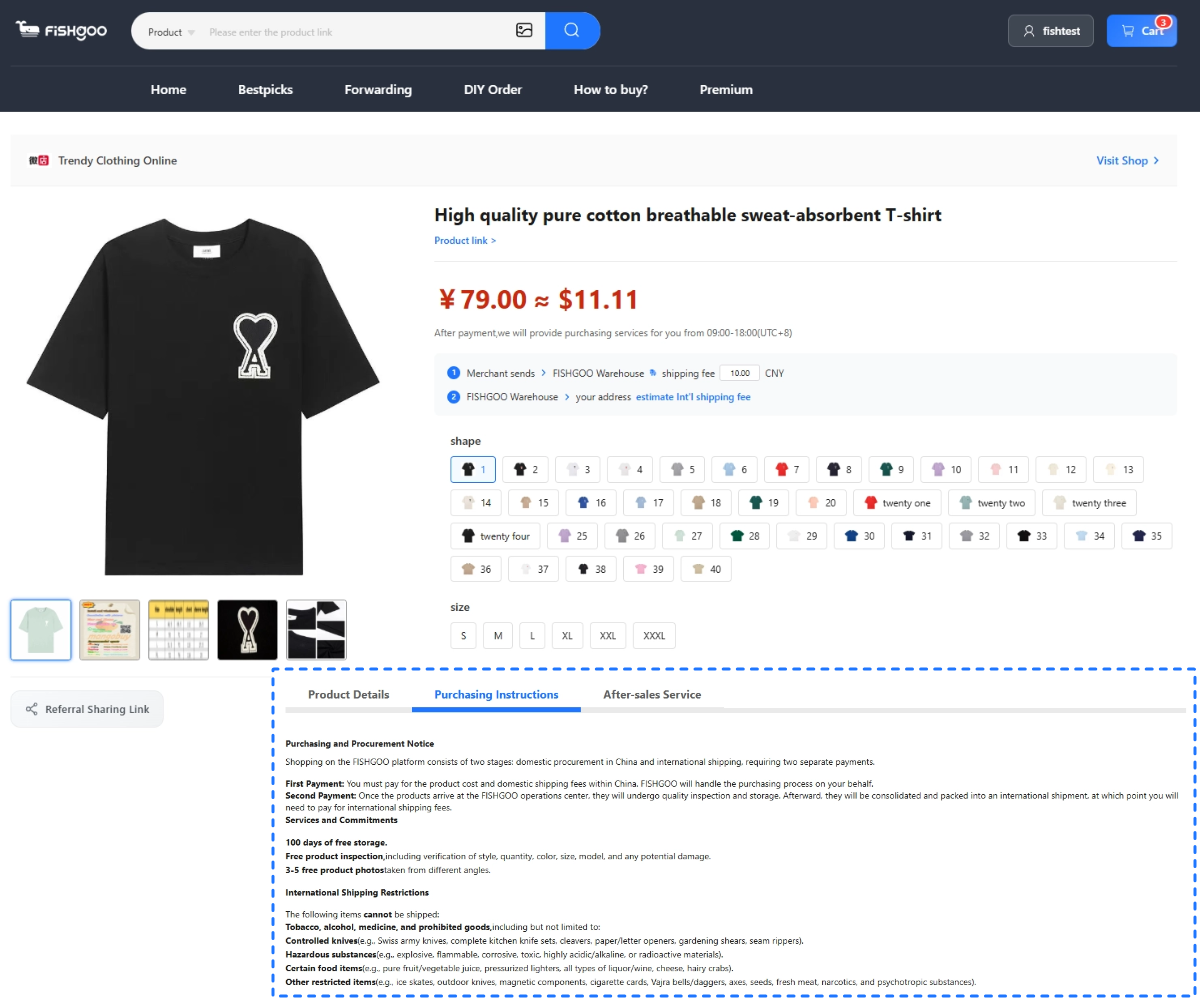
- Fishgoo reads the full Chinese listing and tells you, in English, what it actually says — options, materials, terms, turnaround.
- If you need to confirm sizing, agree a custom spec, or ask a question, the team messages the seller in Chinese on your behalf.
- They pay with their WeChat Pay or Alipay and have the item sent to the warehouse.
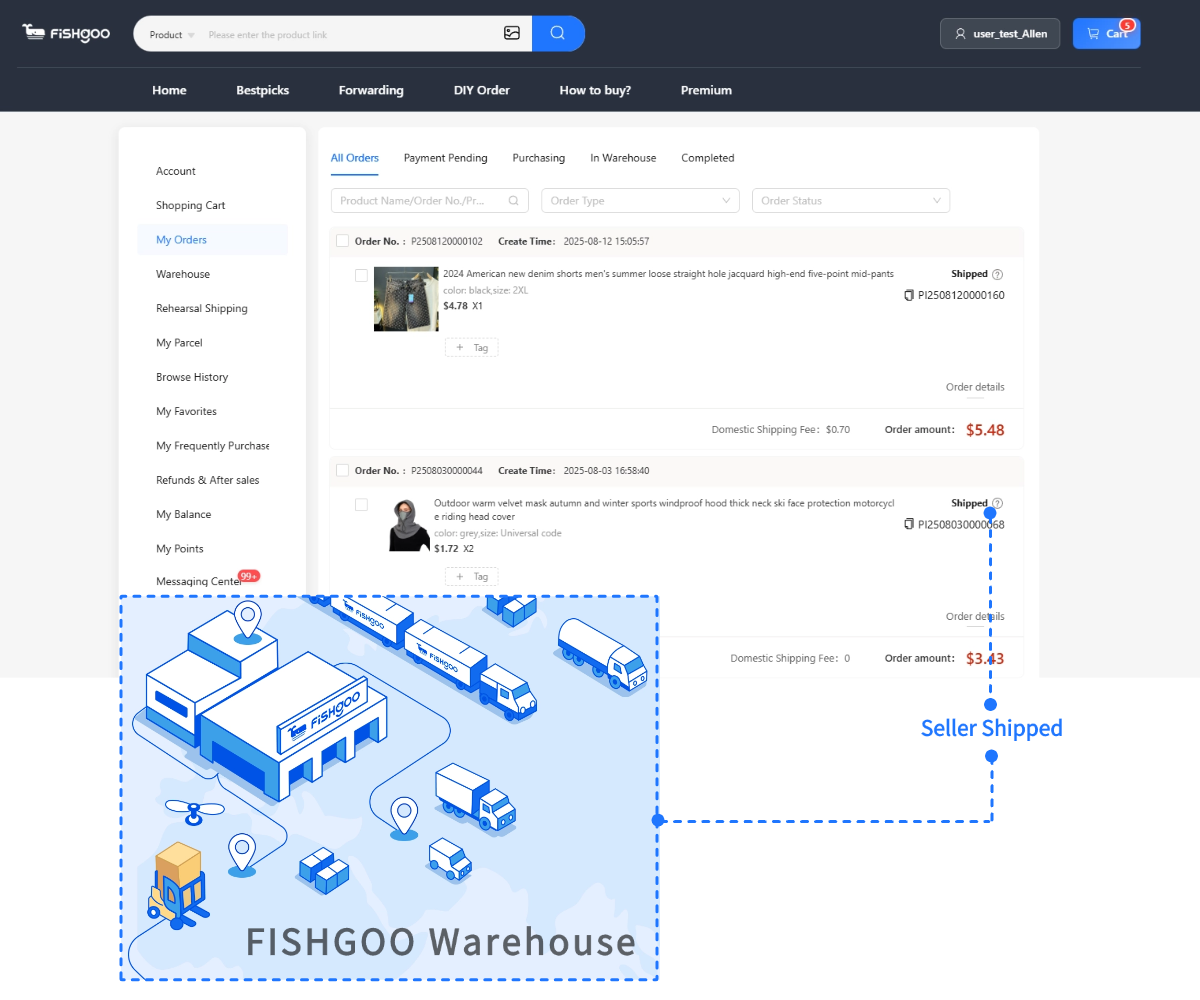
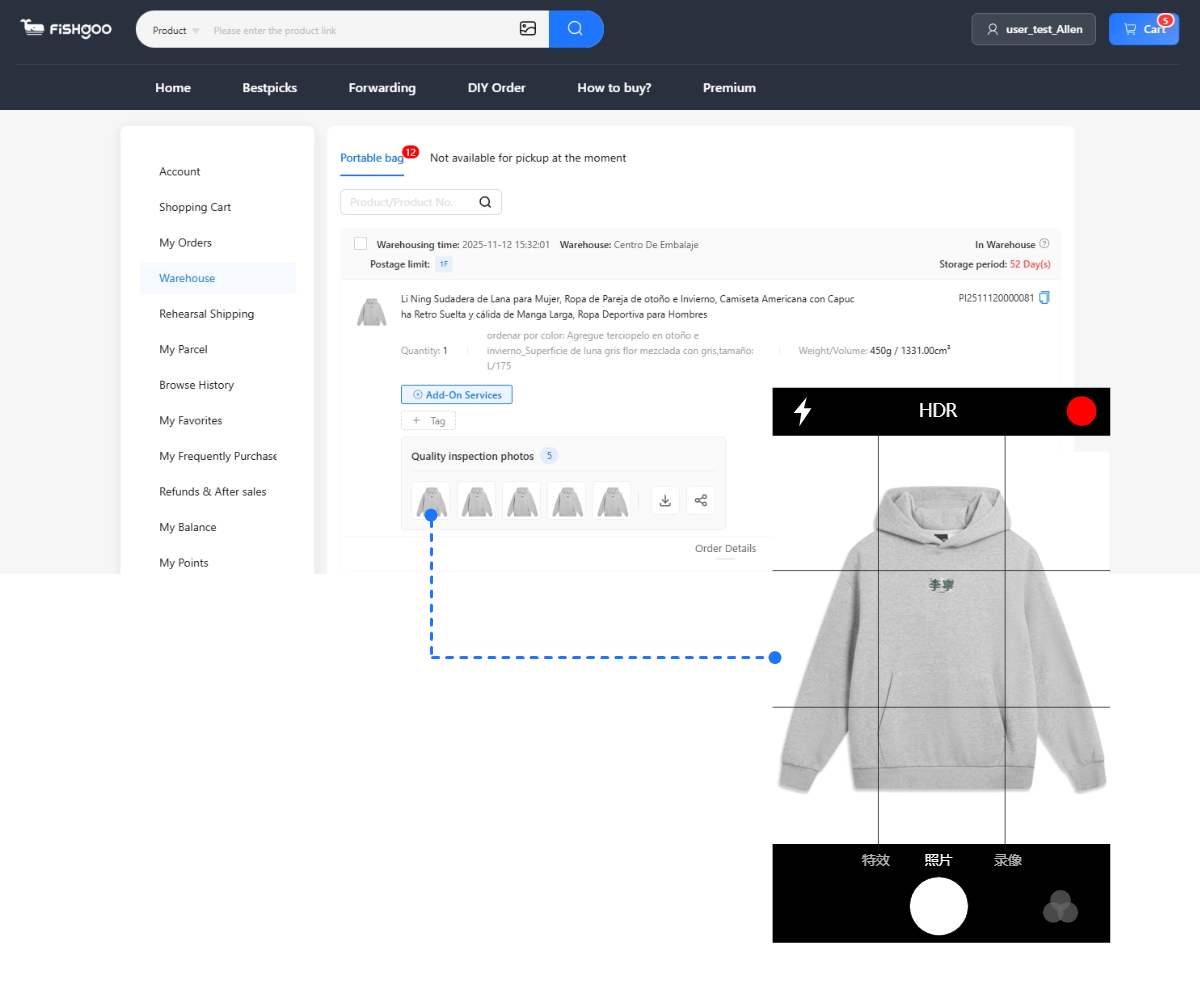
- You get QC photos of what really arrived, so you approve the true item before it ships.
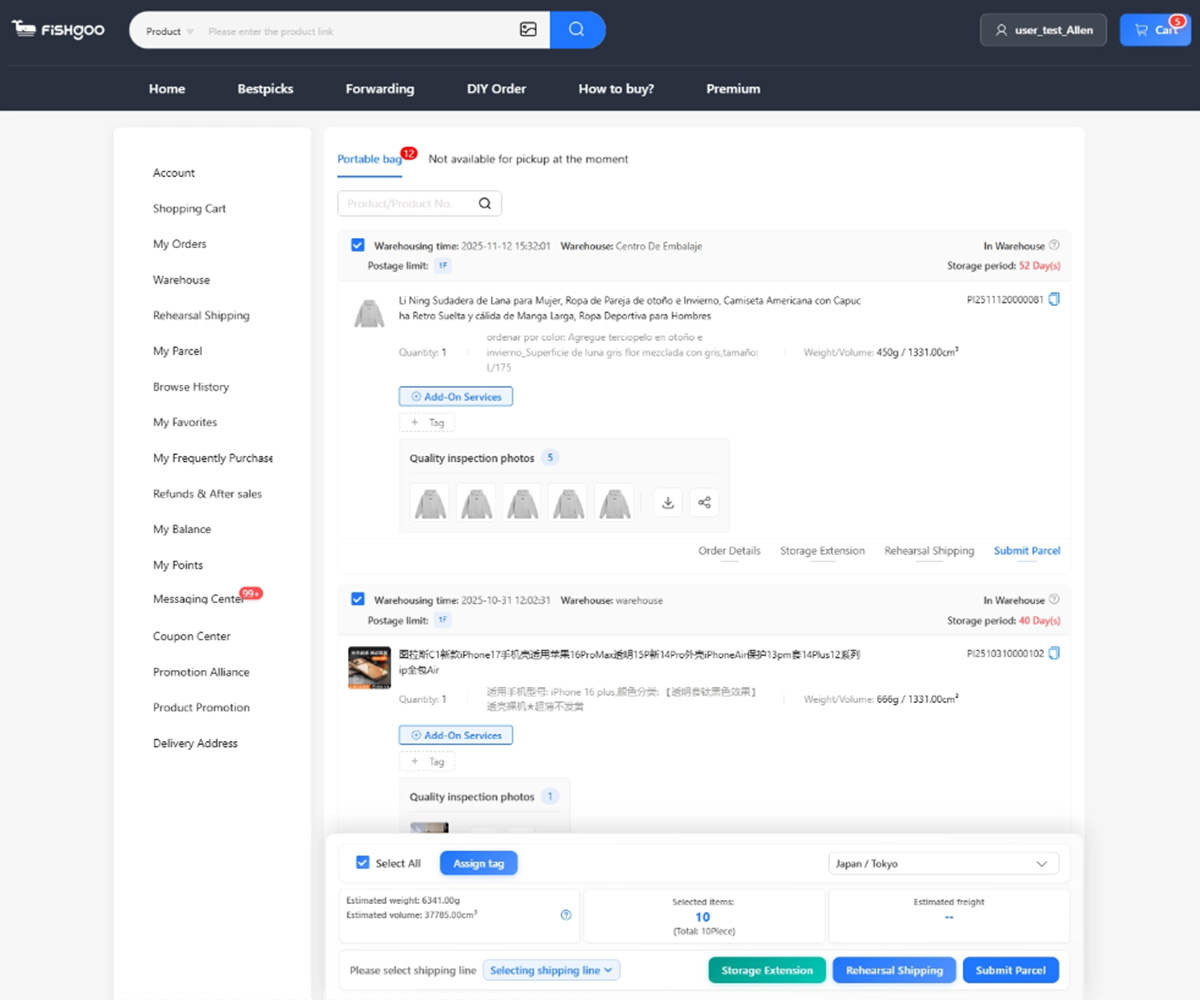
- Consolidation combines multiple buys into one parcel, and it ships to your door in Europe.
Language, payment, a Chinese address, seller chat, condition checks, parcel forwarding — handled. Your side of it happens entirely in English. This mirrors how it works on the second-hand side too, covered in Goofish in English.
Shopping Weidian in English, step by step
Want the version you can run today? Six moves, no Chinese required. There’s a fuller walkthrough on the how to buy from Weidian page, but this is the shape of it.
- Find a store or product link — from a seller’s social post, a recommendation, or a chat — and open it in a desktop browser set to translate.
- Create a Fishgoo account and paste the link into the order form.
- Get an English summary of the listing plus a euro quote for the item and domestic shipping.
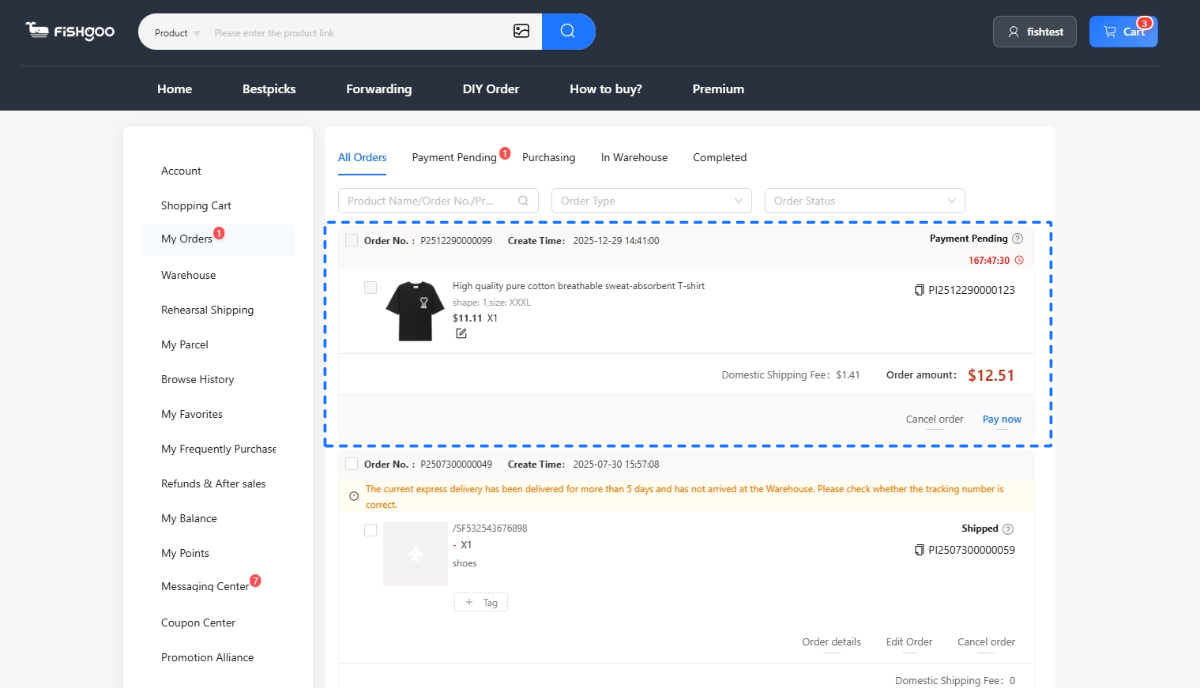
- Pay for the purchase; the team buys it and it heads to the warehouse.
- Check your QC photos, then approve or raise an issue.
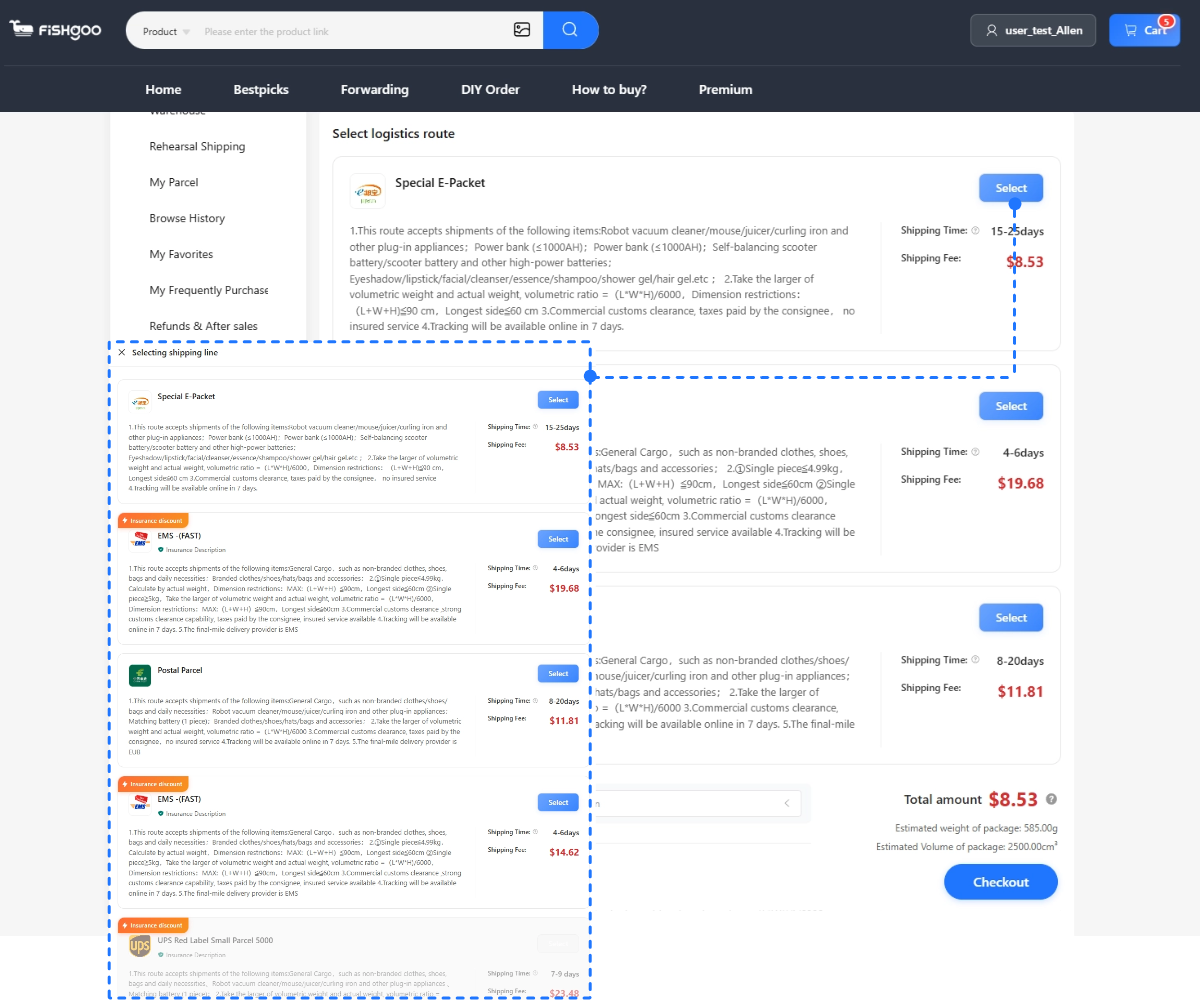
- Pick a shipping line, pay the postage, and track it home.
New to this? Run one cheap, in-stock item through the whole loop first, so you’ve seen it work before a bigger or custom order.
How do you talk to Weidian sellers in English?
You don’t have to — your agent does the talking. This deserves its own note because seller communication carries more weight on Weidian than on a big marketplace. A lot of Weidian stores sell made-to-order or customisable goods, so the difference between a great result and a disappointing one often comes down to a conversation: confirming a measurement, agreeing a colour, checking a personalisation is possible. All of that happens in Chinese, in real time.
With an agent, you write your questions and instructions in English, Fishgoo relays them to the seller in Chinese, and the answers come back to you in English. For a custom order, you give the specifics — measurements, references, any personalisation — and the team confirms with the seller before you pay, so nothing is lost in translation. It turns a real-time Chinese negotiation, which you couldn’t otherwise have, into a straightforward exchange in your own language.
What does it cost in euros?
Using an agent to clear the language barrier doesn’t mean paying a premium for it — at least not with a zero service fee model. Your bill is the item price in euros, domestic shipping (often ¥6–15, sometimes free), international postage by weight, and your own country’s import VAT. Fishgoo’s service fee on that is €0, and QC photos and consolidation are included rather than bolted on.
As a rough anchor, a small €40–60 Weidian buy shipped to France usually lands somewhere around €80–110 all-in once postage and VAT are counted — the item is rarely the biggest line. The full breakdown with a worked example sits on the Weidian agent guide, and you can price your own parcel with our import duty calculator before committing. Buying fashion? Sort sizing up front with the size converter, since Chinese sizing runs different and independent sellers often use their own measurements — and a returns process you can’t read in Chinese is one you’d rather avoid.
Tips for shopping Weidian without a word of Chinese
- Open store links in a desktop browser, not by tapping them on your phone — the app won’t translate, the browser will.
- Screenshot anything confusing and let your agent read the image text the translator can’t.
- Ask questions through your agent before paying, especially on sizing and custom details.
- Be precise on custom orders. Give exact measurements and reference images so nothing is guessed.
- Never skip QC approval. On independent-store and made-to-order buys, it’s the step that protects you.
- Bundle your buys so consolidation earns its keep and you post one parcel, not three.
- Check shipping early — the Weidian shipping guide lays out cost versus speed.
Start shopping Weidian in English
The lack of an English button doesn’t have to keep you out. A desktop browser gets you reading, and a Weidian agent takes care of the Chinese-only parts — opening links, chatting sellers, paying, checking the finished item — so the store you found actually delivers to your door in Berlin or Madrid. You shop in English; the Chinese happens behind the scenes.
Start your first Weidian order with Fishgoo →
New here? Pair this with the main Weidian agent guide, how to buy from Weidian for the full process, Weidian shipping for delivery, and is Weidian safe for buying with confidence. Comparing platforms? Weidian vs Taobao, Taobao vs AliExpress, the best Taobao agent guide, and the main Taobao agent guide cover the rest, and how to buy from Goofish handles the second-hand side.
Frequently asked questions
Does Weidian have an English version?
No, Weidian is Chinese-only, with no English app or website. You can use a desktop browser’s translate feature to read store pages on the web version, but that only helps with reading, not paying or messaging sellers.
Can I use Weidian in English with browser translation?
Partly. Browser translation reads Weidian store and product pages on the web version, but it can’t handle payment, seller chat, or the app itself, so most buyers use an agent for the rest.
Why won’t the Weidian app translate?
Weidian store links usually open in the Chinese app, which doesn’t offer the same translation a desktop browser does. Opening the store on the web version in Chrome or Edge lets you translate it, or you can pass the link to an agent who reads the Chinese for you.
Do I need to speak Chinese to message a Weidian seller?
Not if you use an agent. Fishgoo messages the seller in Chinese for you — confirming options, sizing, or custom details — and relays everything back to you in English.
Can I shop Weidian in English from Europe?
Yes. You browse store pages with browser translation, and an agent handles the Chinese-only parts — payment, seller chat, and shipping — so you shop in English while they transact.


Start with one product, sample or restock task
Send the product link or description, approximate quantity and destination. Review the scope before any paid purchasing work begins.