MAD60HE from Taobao: What to Check Before Buying
Watch the MAD60HE clip, compare related Taobao keyboards and check layout, switches, software and total shipping cost before buying.
Seen on TikTok
Seen a MAD60HE keyboard in a gaming clip? Start with the exact model and layout. Similar-looking boards can have different switches, cases and software. The listings below are comparison starting points, not a promise of the creator’s exact setup or performance.
MAD60HE keyboard unboxing and gaming
Video by @shaflian
The TikTok player loads only when you choose to watch.
Compare these related listings
Check the current seller, options, price and availability on each listing. These are shopping leads, not confirmed matches to the item in the video.
MAD Light 60 Quattro
Compare case material, switch option and layout against the seller’s specification sheet.
View listing on FishgooMAD60 / MAD68 HE Pro
The listing offers related models. Select the board and switch option deliberately; a family name is not a complete specification.
View listing on FishgooNANO68 V2
Compare the key layout with your desk setup. Check software support and the exact connection type before ordering.
View listing on Fishgoo
A keyboard clip can show the shape of a board and how a player uses it. It cannot tell you which switch or firmware option a seller will send. Keep the exact model name beside you while comparing listings, especially when a page groups several MAD60, MAD68 or related boards together.
Check the model before the price
- Layout: compare the key arrangement with what you use every day. Check the language of the legends and whether you need dedicated arrow keys.
- Switch and software: ask the seller which switch option is included, where the configuration software comes from and which operating systems it supports. Do not assume all versions share the same features.
- Connection: confirm whether the selected version is wired or wireless and which cable or receiver is included.
- Returns: read the seller’s terms before paying, including how a fault would be handled from overseas.
What warehouse photos can check
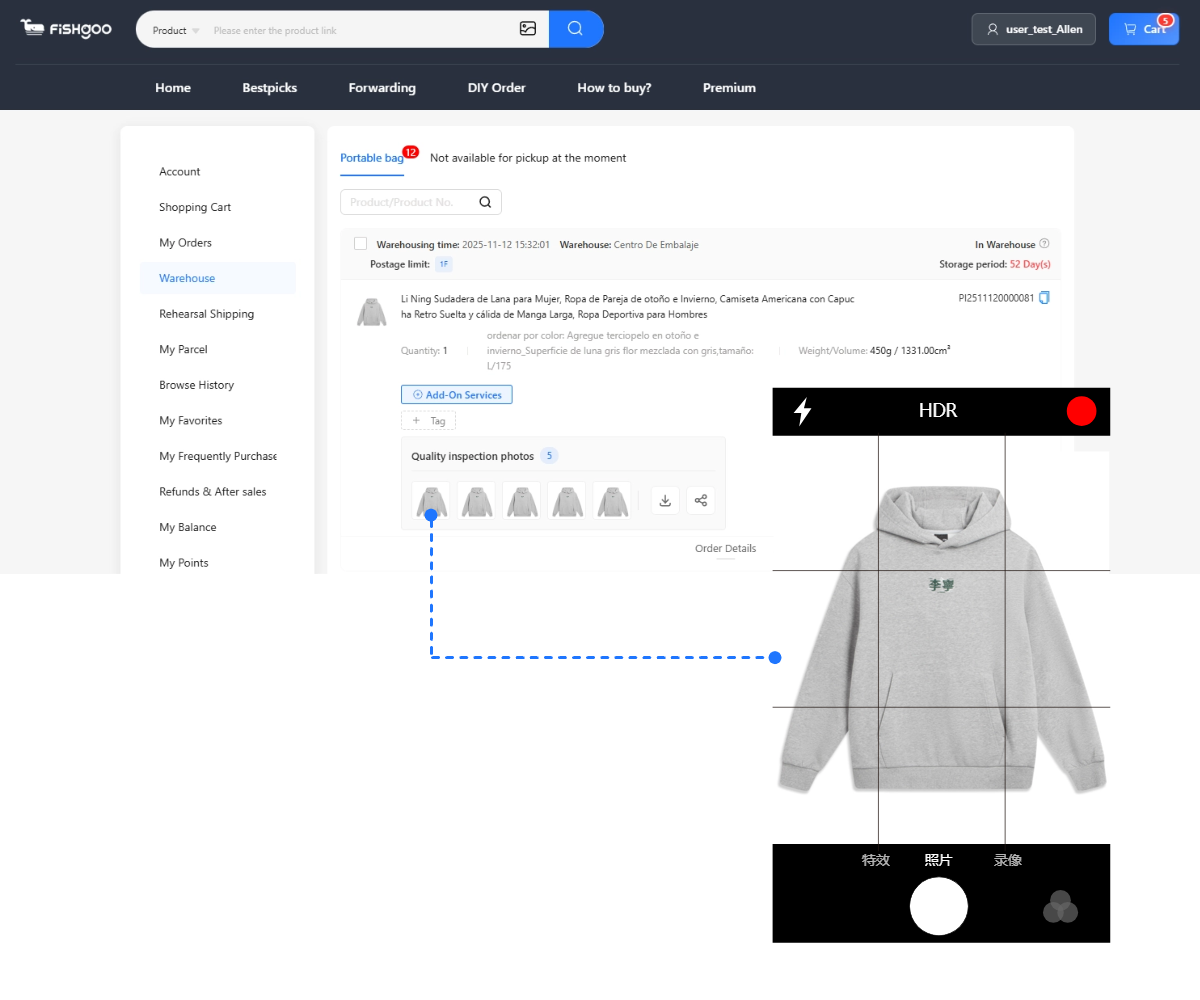
Ask for the model label, box condition, visible keycaps and included accessories. Ordinary QC photos show visible details; they do not measure latency, verify rapid-trigger performance or replace a functional test. If you need a specific test, ask support what can be arranged before ordering.
Compare the full cost
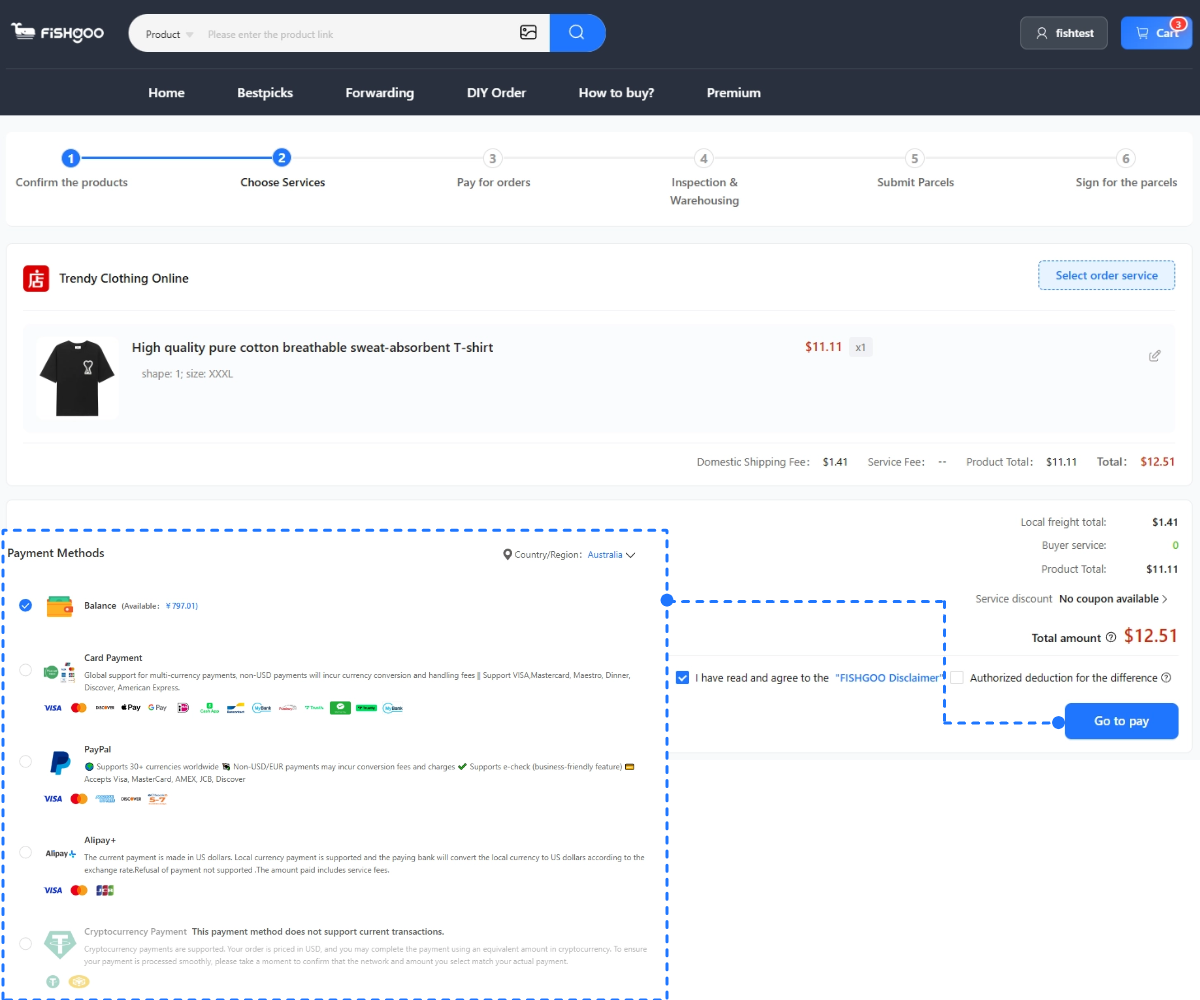
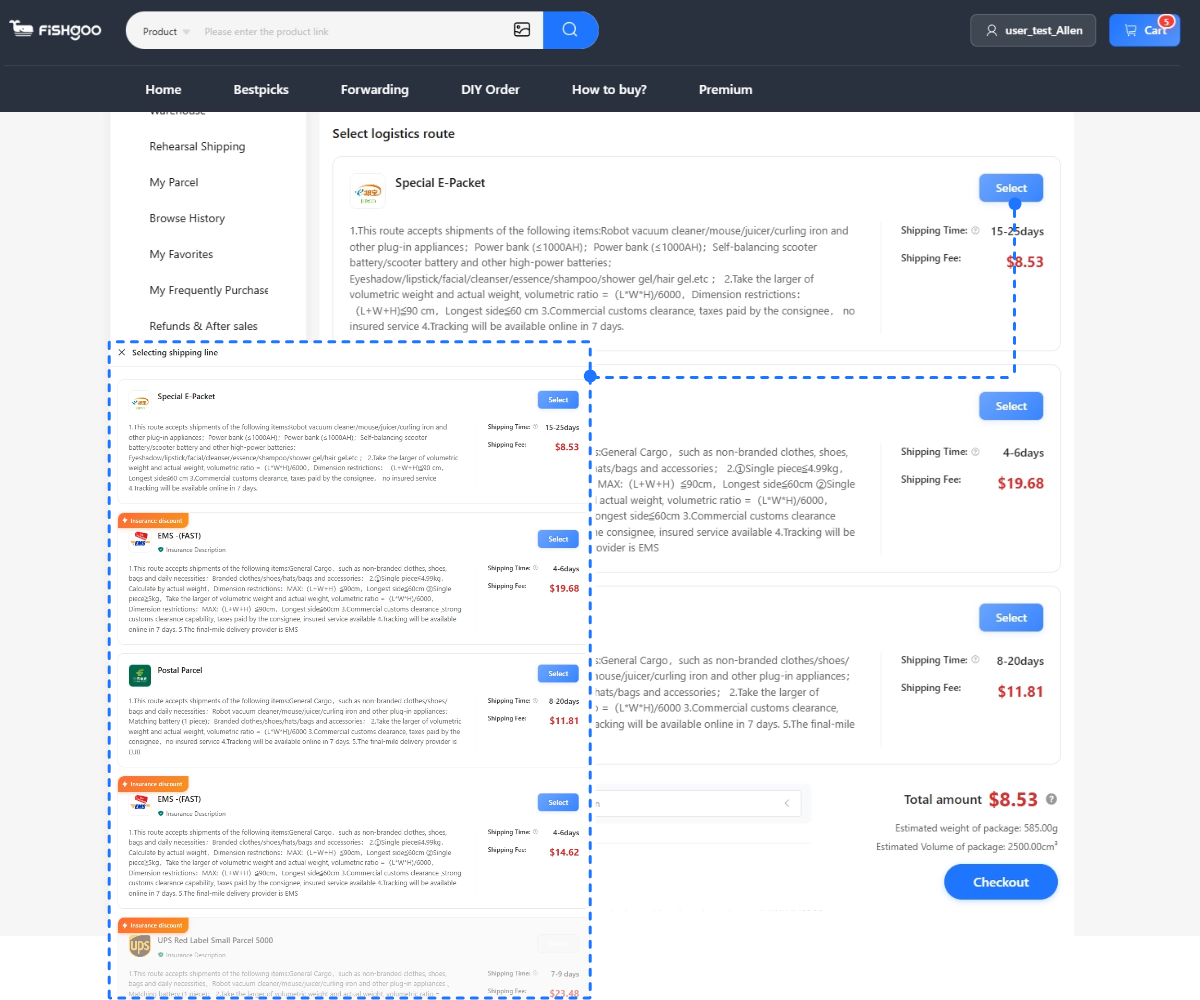
Compare the item, any domestic shipping, payment costs and international delivery for the same model. Keep the outer box if it matters for protection or gifting, and ask how it affects the parcel size. If a local retailer has the version you want with suitable warranty and return terms, include it in the comparison.
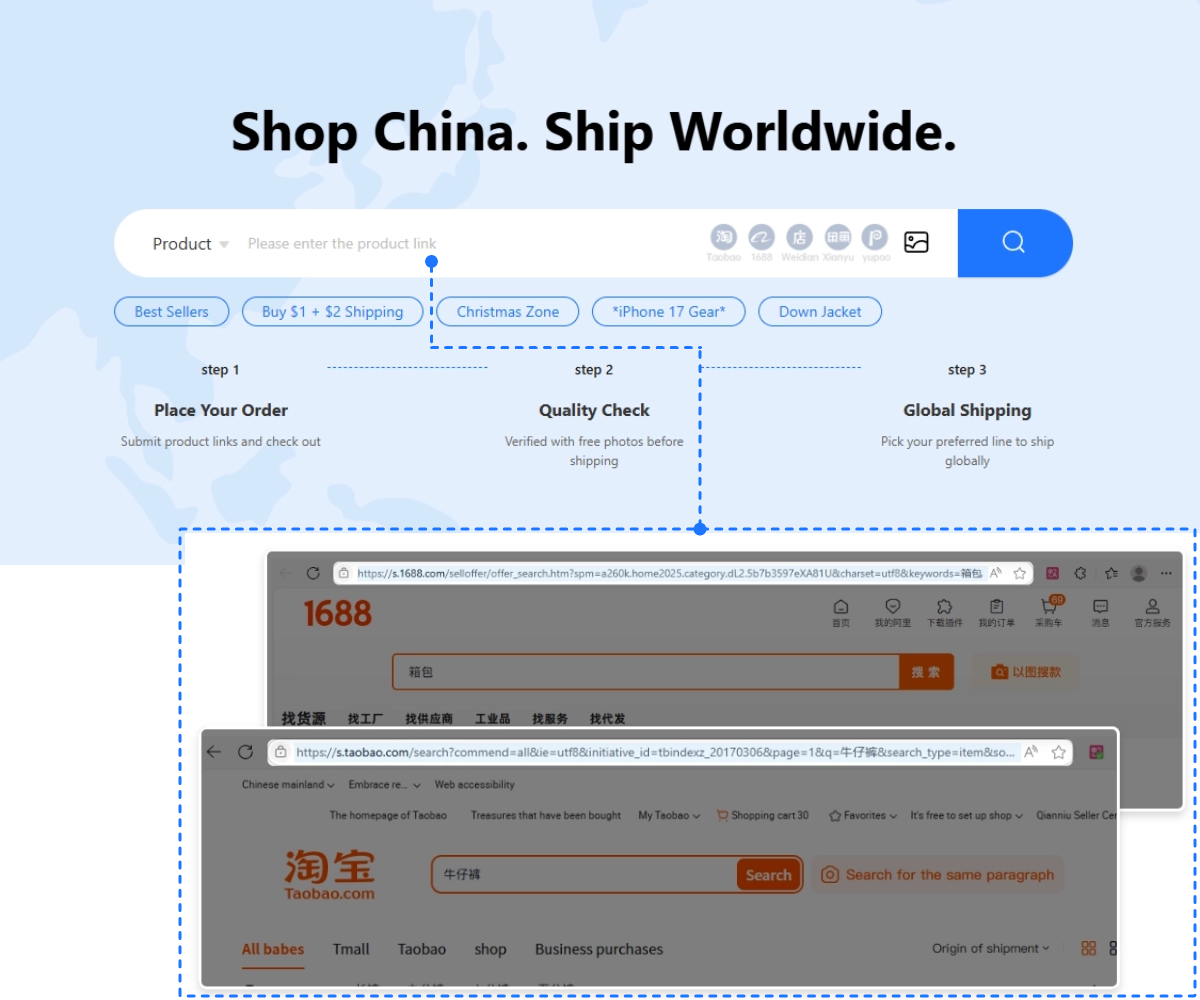
How to order
- Open the listing and confirm the exact option with the seller or Fishgoo support.
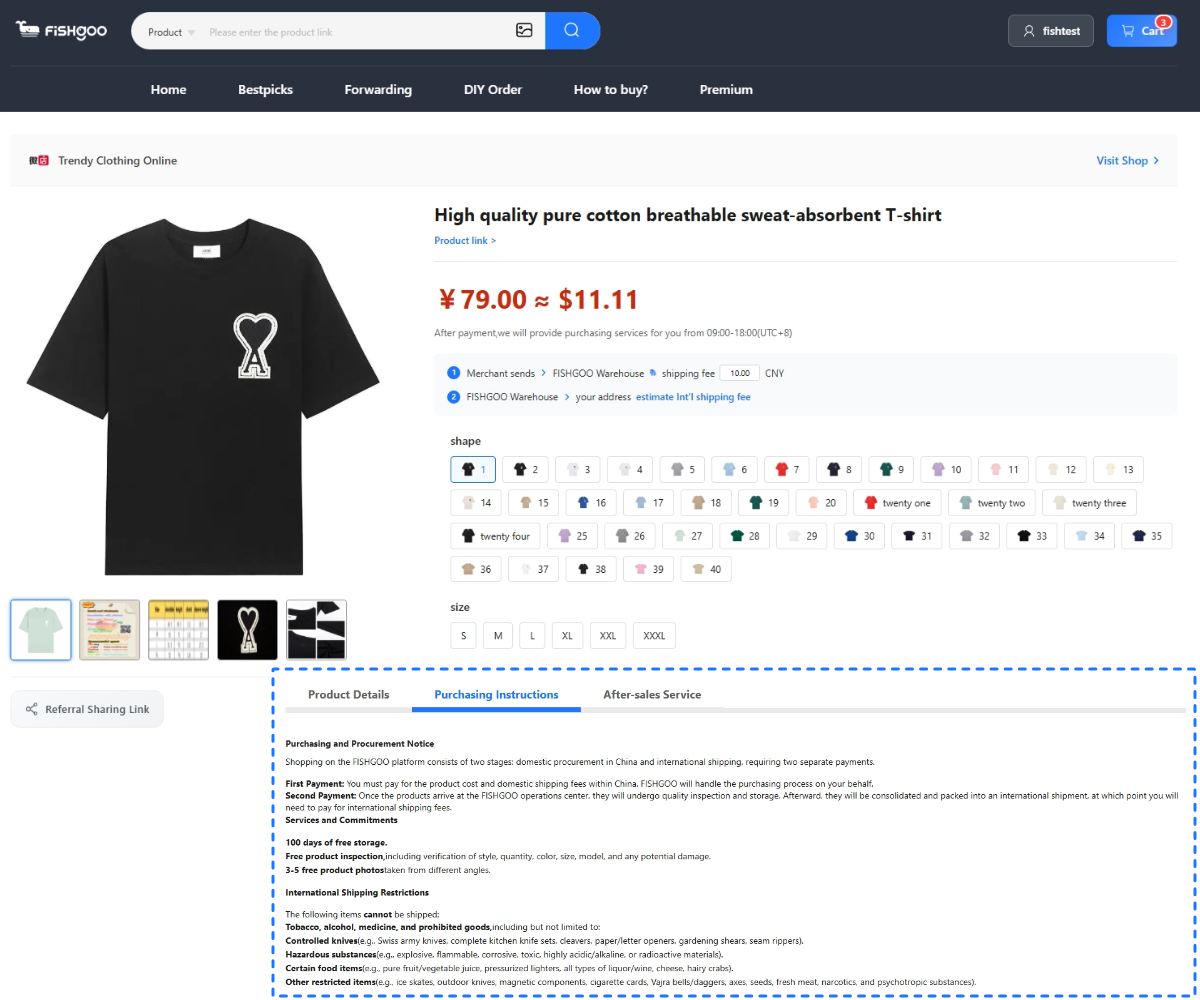
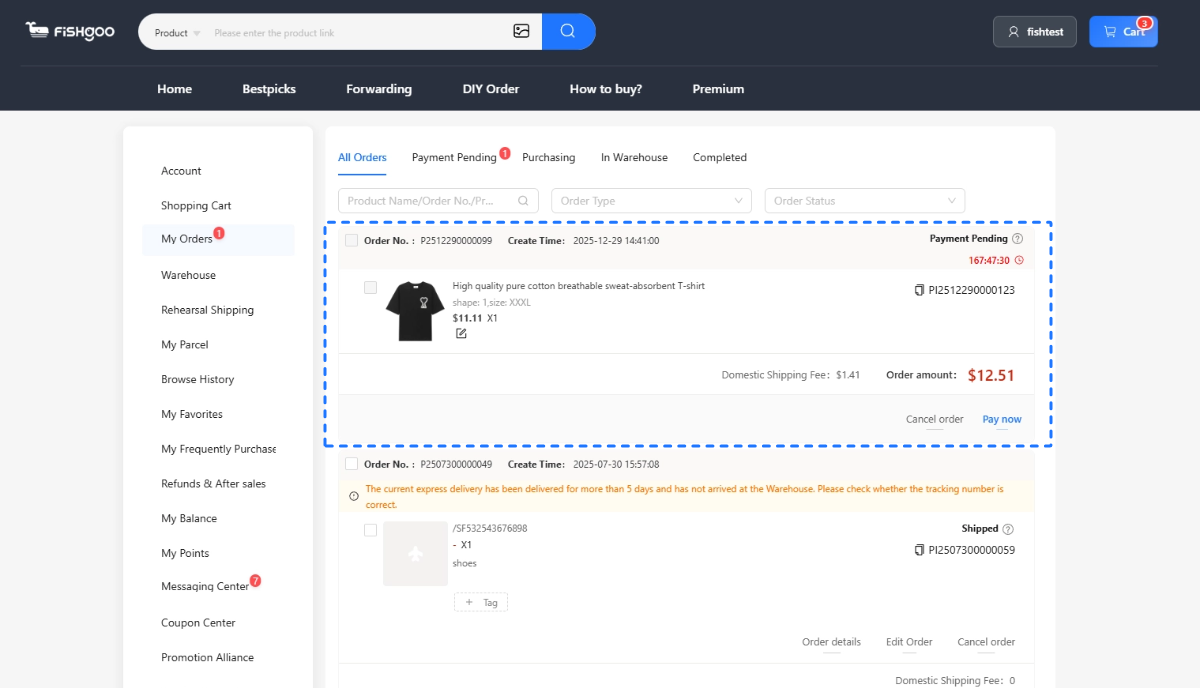
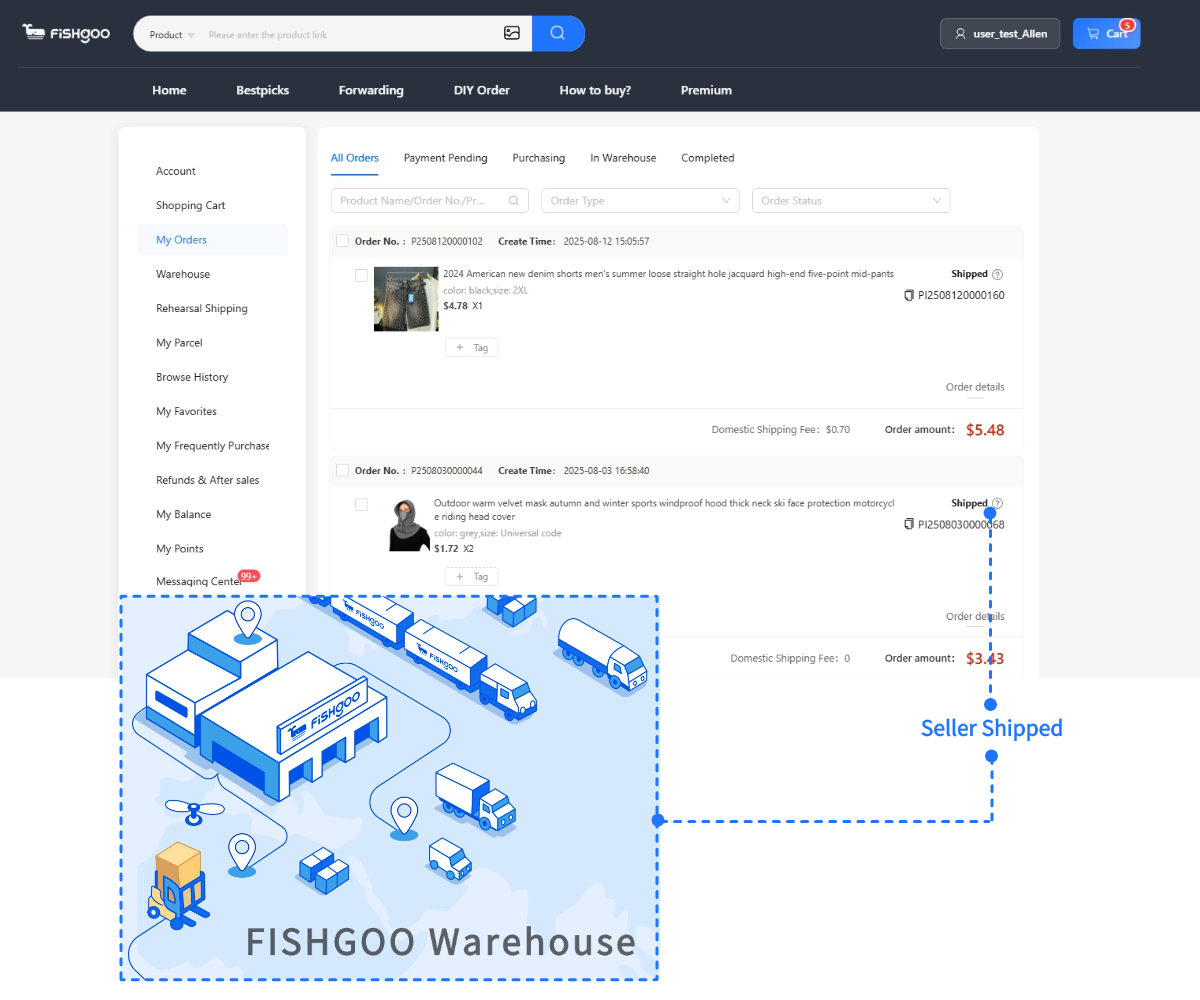
- Use the product link in Fishgoo, review the order details and pay for the item.
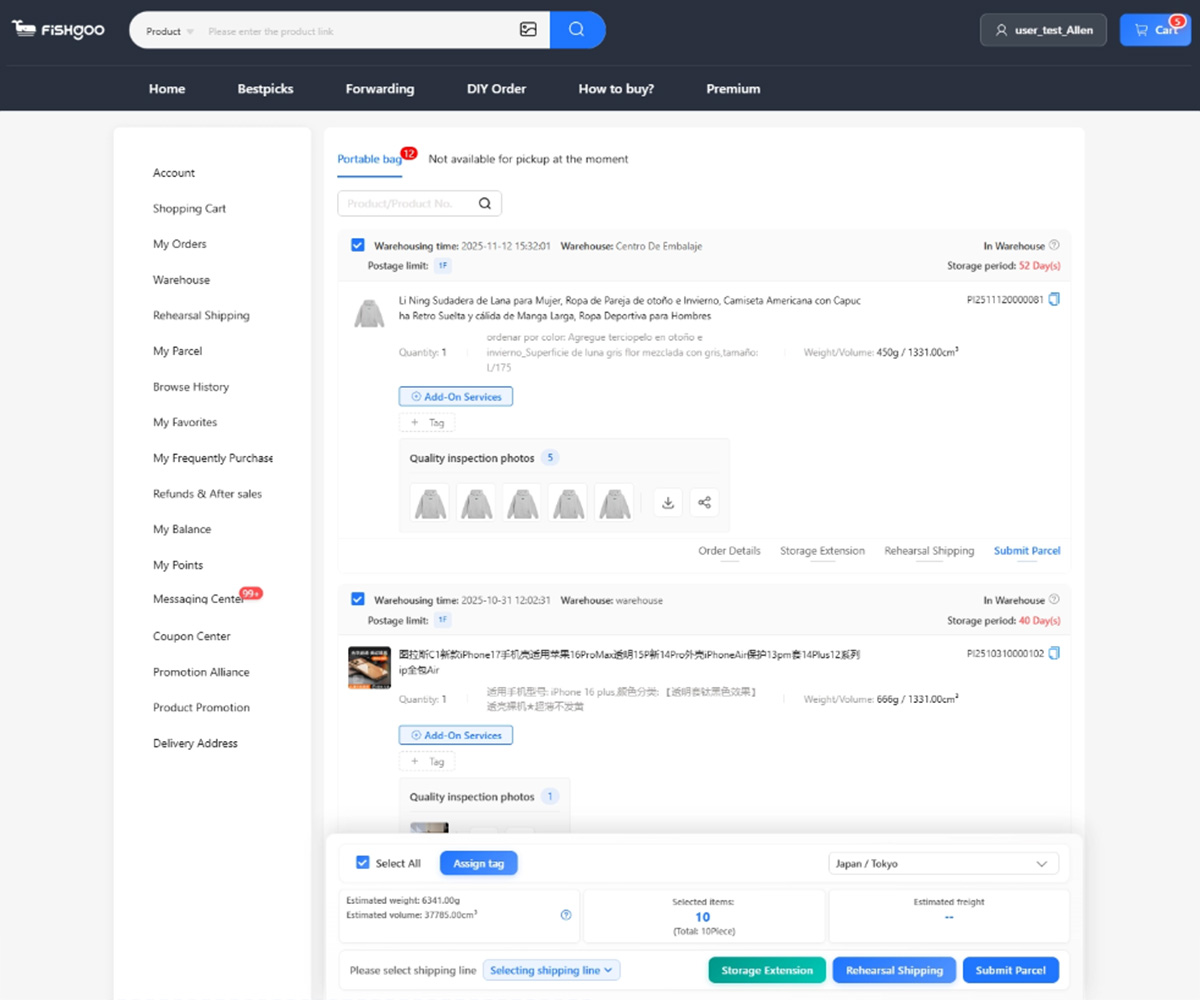
- Review warehouse photos before choosing packing and international shipping.
For more help, read the QC photo checklist or use the shipping estimator.
New to Fishgoo? Check your welcome pack
Create a free account to view available new-customer coupons. Check the eligible services, minimum spend and expiry in your account before planning an order.
Sign up & view welcome coupons


Start with one product, sample or restock task
Send the product link or description, approximate quantity and destination. Review the scope before any paid purchasing work begins.