How to Search Taobao Without Reading Chinese: 5 Methods That Actually Work
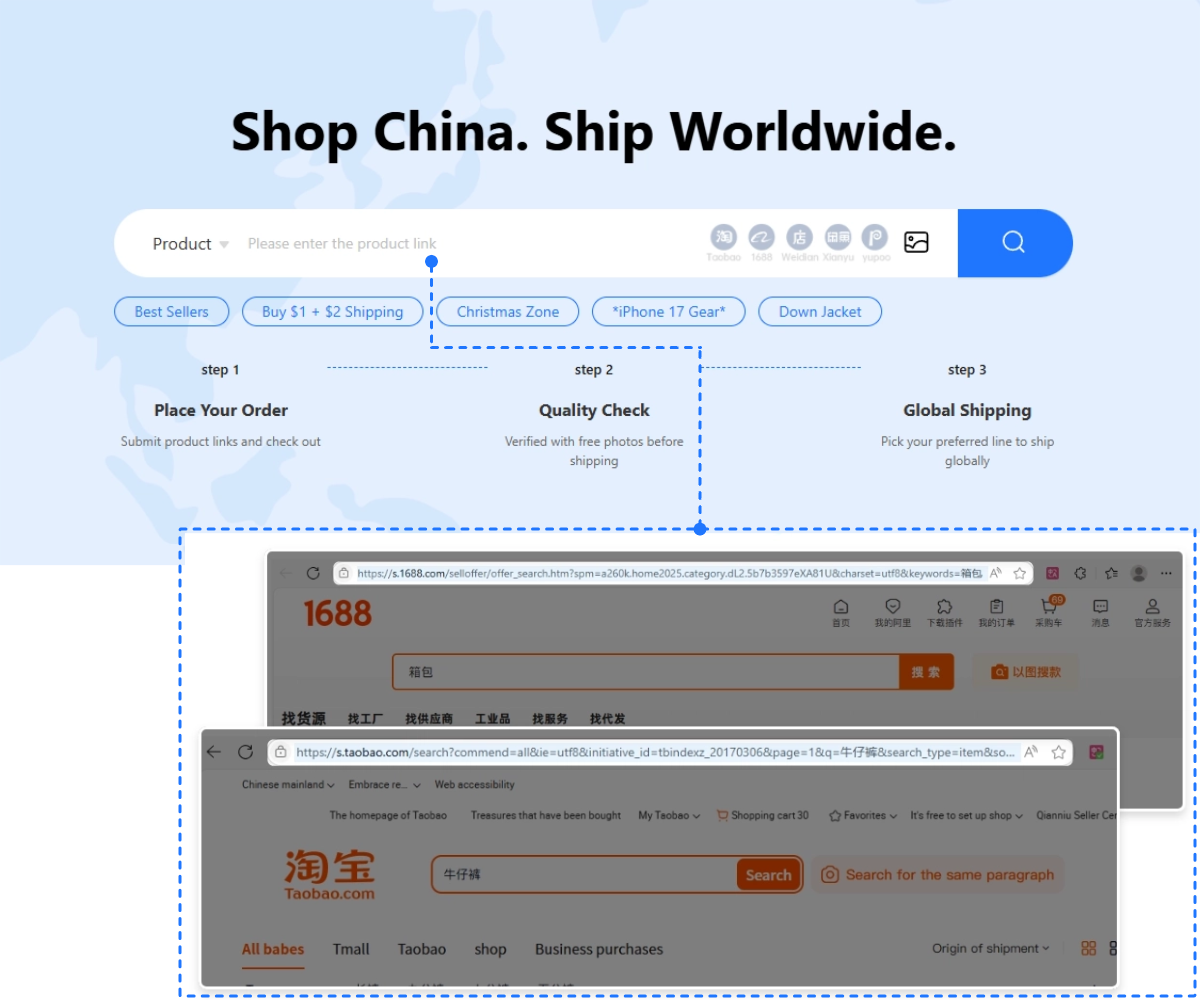
Once you find it: paste the link into Fishgoo — 0% purchasing service fee, 5 free QC photos per item, 100 days of free storage, and 2,000+ international shipping routes.
Here’s a problem I had during my first Taobao shopping attempt: I knew exactly what I wanted (a specific style of cargo pants I’d seen online), I knew Taobao had a billion sellers, and I knew the price would be a fraction of what I’d pay locally. What I didn’t know was how to actually find the product when I couldn’t type Chinese keywords.
Turns out there are several ways to search Taobao without reading Chinese, and once you learn them, finding specific products becomes surprisingly easy. Some methods are obvious. Others took me embarrassingly long to discover. After 200+ orders, here are the five techniques I actually use, in order of how often they work for me.
→ New to Taobao entirely? Start with What Is Taobao?
How Do You Search Taobao in English?
You can search Taobao without reading Chinese in three ways: translate your English keyword into Chinese and paste it into the search bar, upload a photo and use image search, or open a product link shared by someone else. Browser translation makes the results readable. Want the app’s menus in English before you start? See how to use Taobao in English.
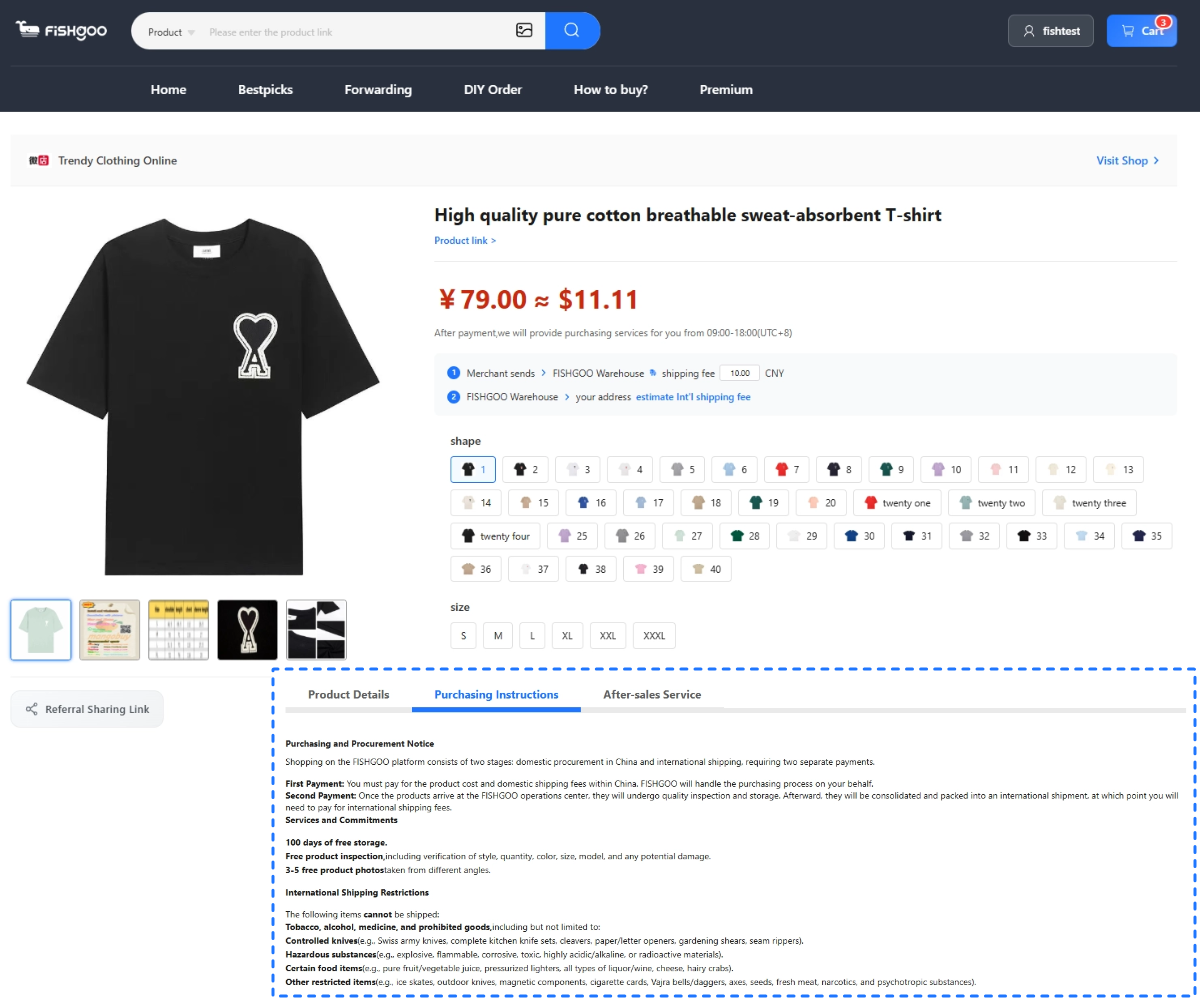
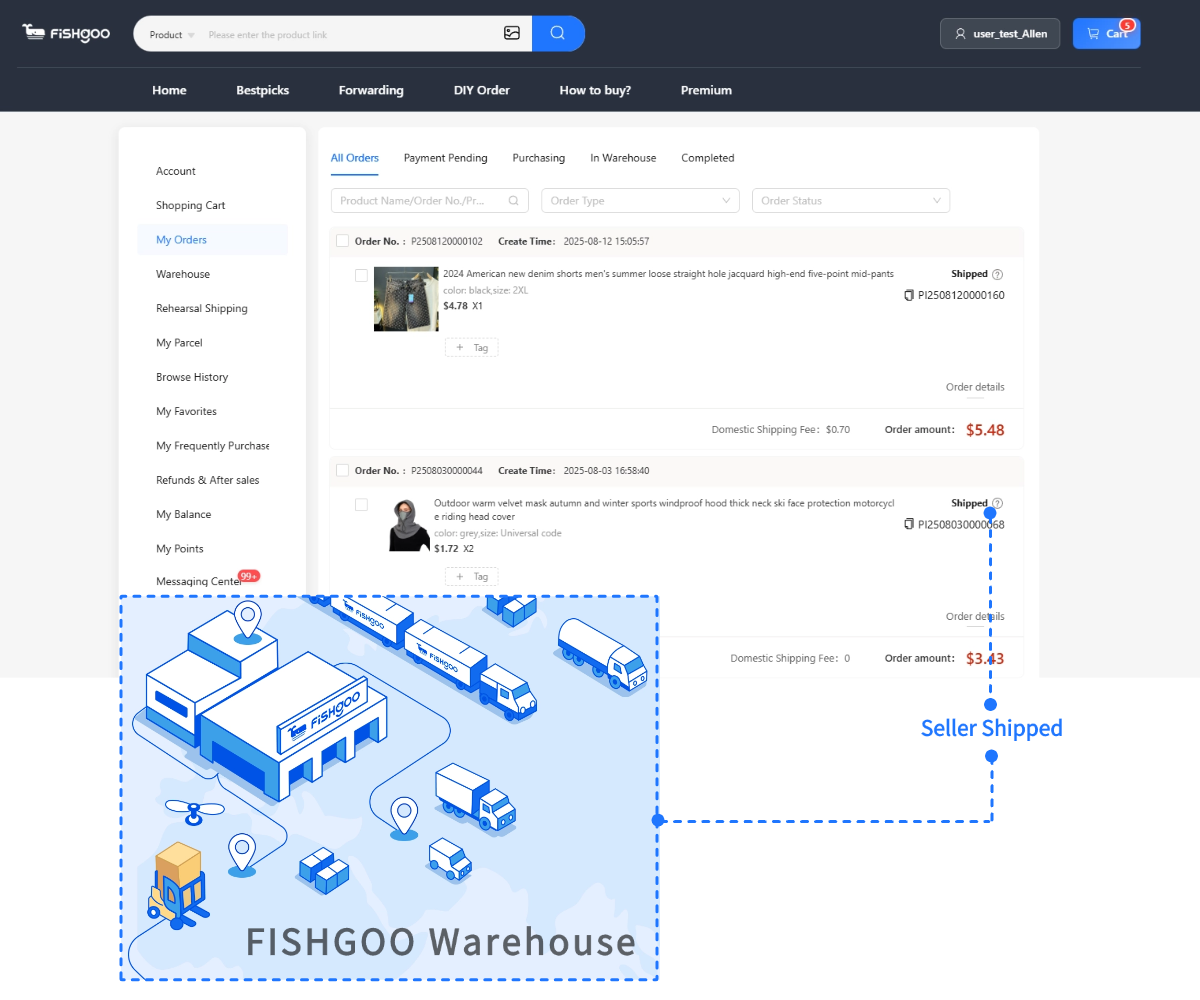
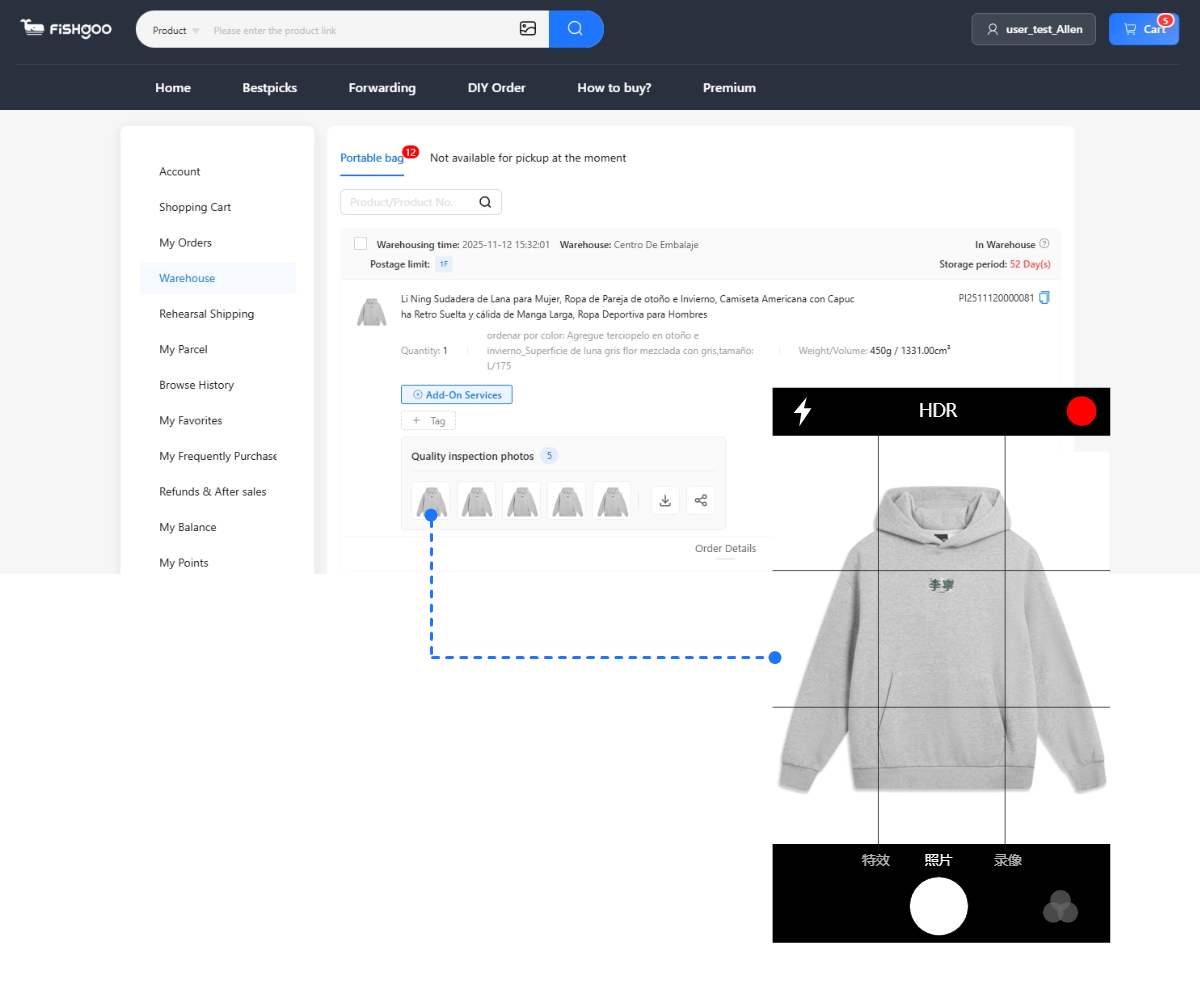
Finding the product is only half of it. Most Taobao sellers do not ship internationally, so international buyers use a shopping agent to purchase and forward the order. The agent buys the item, receives it at a China warehouse, sends quality-check photos, and ships it on to your country.
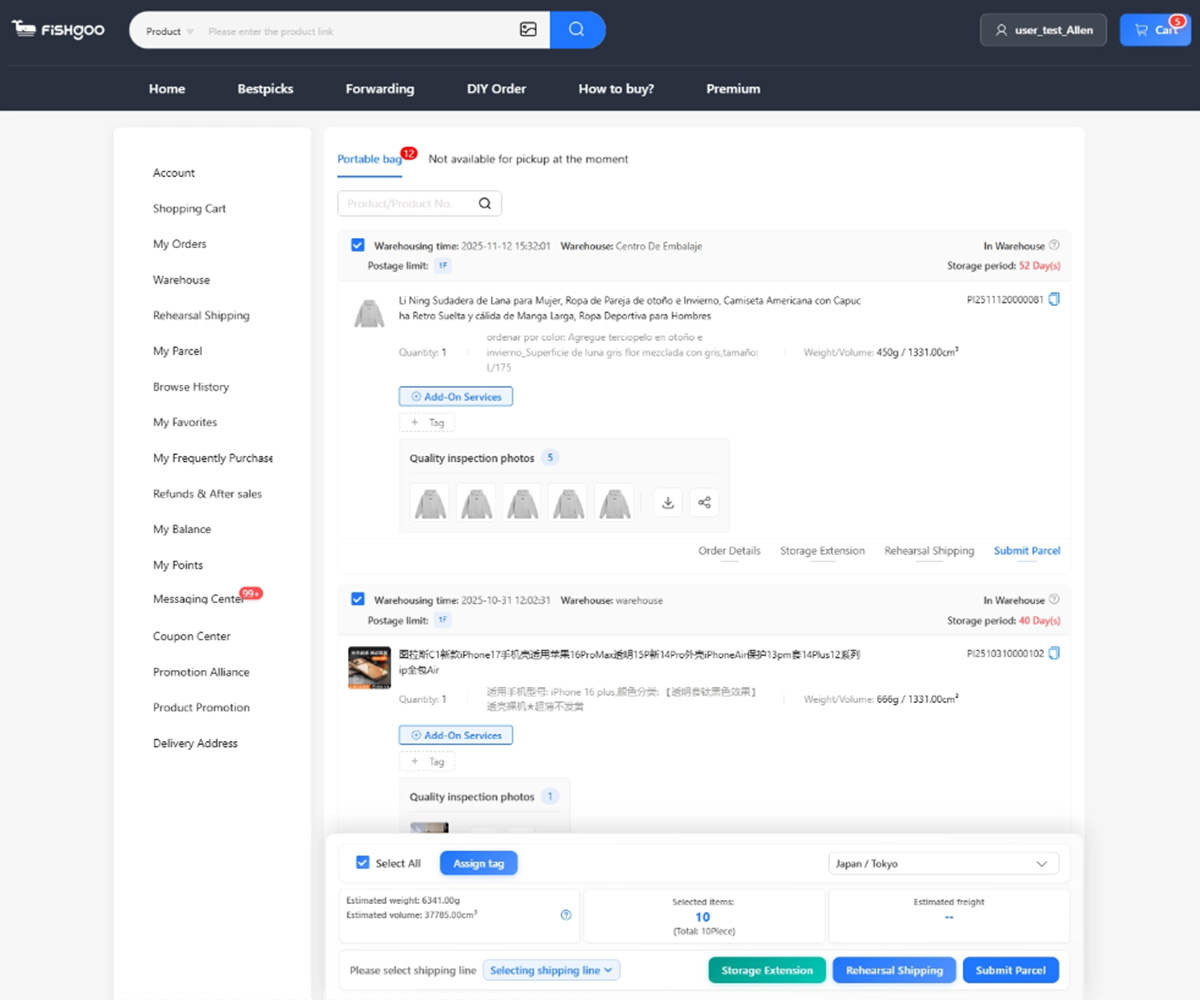
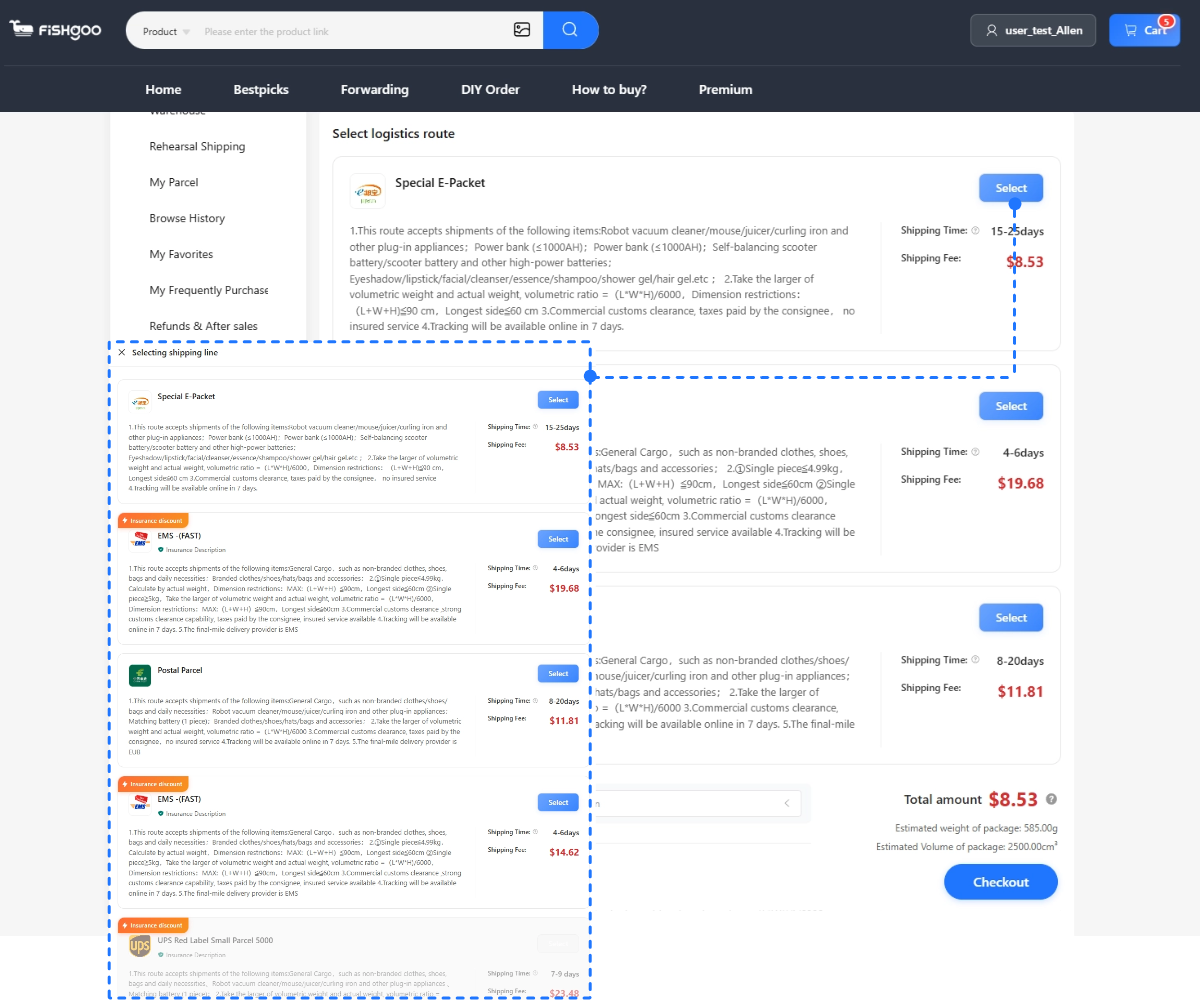
Fishgoo supports this workflow with a 0% purchasing service fee, 5 free QC photos per item, 100 days of free warehouse storage, and 2,000+ shipping routes.
Method 1: Image Search (Most Reliable)
This is my go-to method, and it’s almost magical when it works.
Below is the quick version — for the full walkthrough with real photo examples, which photos match best, and the crop trick, see the dedicated Taobao image search guide.
The Taobao mobile app has a built-in reverse image search feature. You upload a photo of any product, and Taobao searches its catalog for visually similar items. The technology is genuinely impressive — it can find the exact product, similar styles, and even alternative colors of the same item from multiple sellers.
How to use Taobao image search
- Download the Taobao app on your phone (available in any app store, even outside China)
- Open the app — interface will be in Chinese, but you don’t need to read it
- Look for the camera icon in the search bar at the top
- Tap it and either upload a saved photo or take a new picture
- Taobao processes the image and returns visually matching listings
- Tap any result you like, then tap the share button to copy the product link
- Paste the link into your Taobao agent for purchase
Where image search shines
Fashion is the killer use case. See a hoodie on Instagram you love? Save the photo, run image search on Taobao, find the exact same hoodie (often the actual factory listing) at 70% less. Same for sneakers, bags, watches, sunglasses, and accessories.
Other strong categories: electronics (find the same gadget from the source factory), home decor (visually distinctive items), and stationery. Anything where you can describe the product visually but not by name in Chinese.
Where it falls short
Image search struggles with very generic items — a plain white t-shirt, basic phone case, etc. Too many visually identical products exist, and the search returns thousands of nearly-indistinguishable results. For generic items, keyword search works better.
Method 2: Translated Keyword Search
For when you know exactly what you want but don’t have a photo to upload.
The technique
- Open Google Translate
- Type your English search term — be specific. “Cotton hoodie” works better than just “hoodie.”
- Set source language to English, target to Chinese (Simplified)
- Copy the Chinese translation
- Open Taobao (web or app) and paste the Chinese text into the search bar
- Browse results visually
Example translations that work well:
| English search | Chinese translation |
|---|---|
| Black cotton hoodie men | 黑色棉连帽衫男 |
| Crossbody bag canvas | 帆布斜挎包 |
| Vintage leather wallet | 复古真皮钱包 |
| Y2K cargo pants women | Y2K工装裤女 |
| Minimalist desk lamp | 极简主义台灯 |
Tips for better keyword search
Add gender markers (男 for men, 女 for women, 童 for children) when searching clothing — Chinese sellers always categorize by gender and including this term filters results dramatically.
Add color words upfront for better filtering. 黑色 (black), 白色 (white), 红色 (red), 蓝色 (blue), 灰色 (gray) are common.
Style descriptors help: 复古 (vintage), 简约 (minimalist), 韩版 (Korean style), 日系 (Japanese style), 街头 (street/streetwear), 学院 (preppy/college).
Once you find a good search term, save it. I keep a small note on my phone with Chinese keywords for products I buy regularly.
Method 3: JadeShip Search Aggregator
This is a third-party tool I wish I’d discovered earlier in my Taobao journey. JadeShip.com is a search aggregator that searches Taobao, 1688, and Weidian simultaneously using English keywords. The tool translates your English query into Chinese on the back end and returns results from all three platforms in one interface.
Why JadeShip is genuinely useful
Three reasons it’s valuable:
1. Multi-platform coverage. One search returns results from Taobao, 1688, and Weidian. Compare prices across platforms in seconds. The same hoodie might be ¥50 on Taobao, ¥35 on 1688 (3-piece minimum), and ¥45 on Weidian. JadeShip shows you all three at once.
2. English interface for results. Product names, descriptions, and details are auto-translated to English. Far more readable than browsing native Chinese listings.
3. Direct agent integration. Click any product and JadeShip lets you forward the link directly to your chosen Taobao agent — including Fishgoo — with one click. No copy-paste needed.
How to use it
- Go to jadeship.com
- Type your English search term
- Browse results from all three platforms
- Click a product you like
- Select your preferred agent (Fishgoo, Sugargoo, etc.) and forward the link
- Complete the purchase on your agent’s site
For most English-speaking buyers, this is the lowest-friction way to find products across the Chinese e-commerce ecosystem.
Method 4: Reddit Communities and Spreadsheets
Sometimes the best search is no search at all — let other people do the work for you.
The Reddit fashion communities (r/FashionReps, r/RepSneakers, r/DesignerReps, r/Taobao) constantly share product links with photos, reviews, and pricing. Members post “Found this on Taobao” threads daily. Search the subreddit for the type of item you want and you’ll find dozens of community-vetted options.
Even better: many communities maintain shared Google Sheets organized by product category. These spreadsheets contain hundreds of curated Taobao, 1688, and Weidian links with prices, seller info, and quality ratings. Ask in the subreddit’s pinned posts or sidebar for the latest spreadsheet links.
Why this method beats searching
The Reddit and spreadsheet approach has three advantages over searching directly:
- Pre-vetted quality: The community has already filtered out bad sellers and poor-quality items
- Real QC photos: Most posts include photos of what the actual product looks like in hand, not just listing photos
- Discovery of products you’d never find: Niche items, specific styles, and unique sellers that wouldn’t surface through keyword search
For fashion specifically, Reddit-driven shopping is often more efficient than independent searching. You’re getting tested recommendations from people who’ve already done the leg work.
Method 5: Browse by Category in the App
Sometimes you don’t have a specific product in mind — you just want to browse and discover. The Taobao app has a category structure that you can navigate visually without reading Chinese.
Tap the categories button (usually 分类 in the bottom navigation), and you’ll see a grid of icons for major product categories: women’s clothing, men’s clothing, shoes, bags, accessories, electronics, home, and so on. Each category has subcategories accessible by tapping deeper. The icons are universal enough that you can navigate by visual recognition.
Browse this way to discover:
- Trending products in each category
- Seasonal collections
- Style inspiration
- New arrivals from popular sellers
When you find something you like, tap to view the listing, then share the link to your agent.
Combine browsing with image search
My favorite combo: browse the category structure to find a style I like → save the product image → run image search to find the exact same product from multiple competing sellers → compare prices → buy from the cheapest reliable seller.
The Workflow That Actually Works
After two years of refining my process, here’s my actual workflow when I want to find something on Taobao:
1. Check Reddit first. r/FashionReps or r/Taobao for fashion items. Probably already have community-vetted links for what I want.
2. If Reddit doesn’t have it, search JadeShip in English. Quick and covers Taobao + 1688 + Weidian at once.
3. If I have a photo of a specific item, use Taobao app image search. Most reliable for finding exact matches.
4. If I need to keyword search, translate to Chinese with Google Translate and paste into Taobao directly.
5. Once I find products I want, paste links into Fishgoo for purchase. Zero service fee, 5 free QC photos, PayPal accepted.
Total time per product: usually 2-5 minutes. Once you build a routine, finding things on Taobao is faster than browsing Amazon for the same items.
Or skip the searching altogether: the official Fishgoo spreadsheet is a curated, always-current list of finds our team has already vetted.
FAQ
Can I search Taobao in English?
Not directly on the Chinese platform, but tools like JadeShip search Taobao, 1688, and Weidian using English keywords and return translated results. For native English search, JadeShip is the best option.
Does Taobao have image search?
Yes. The Taobao mobile app has a built-in reverse image search via the camera icon in the search bar. Upload any product photo and Taobao returns visually matching listings. The image search deep-dive covers which photos work best.
How do I find the cheapest version of a product on Taobao?
Use image search to find the same product from multiple sellers, then sort results by price. Often the same product is sold by 10-50 different sellers at different price points. Picking a high-rated seller at a competitive price gives you the best balance of cost and quality.
What does “MOQ” mean on Taobao listings?
MOQ = Minimum Order Quantity. Some listings (especially on 1688) require buying multiple units. Taobao consumer listings usually have no MOQ — you can buy a single piece. Your agent can confirm with the seller if a listing’s MOQ is unclear.
Should I use Taobao or 1688 for search?
Search both. Taobao for single items at consumer prices. 1688 for the same items at wholesale prices when you want 3+ pieces — it has no English interface, so see using 1688 in English first. JadeShip lets you search both simultaneously, which is the easiest approach.
Once I find products, how do I buy them?
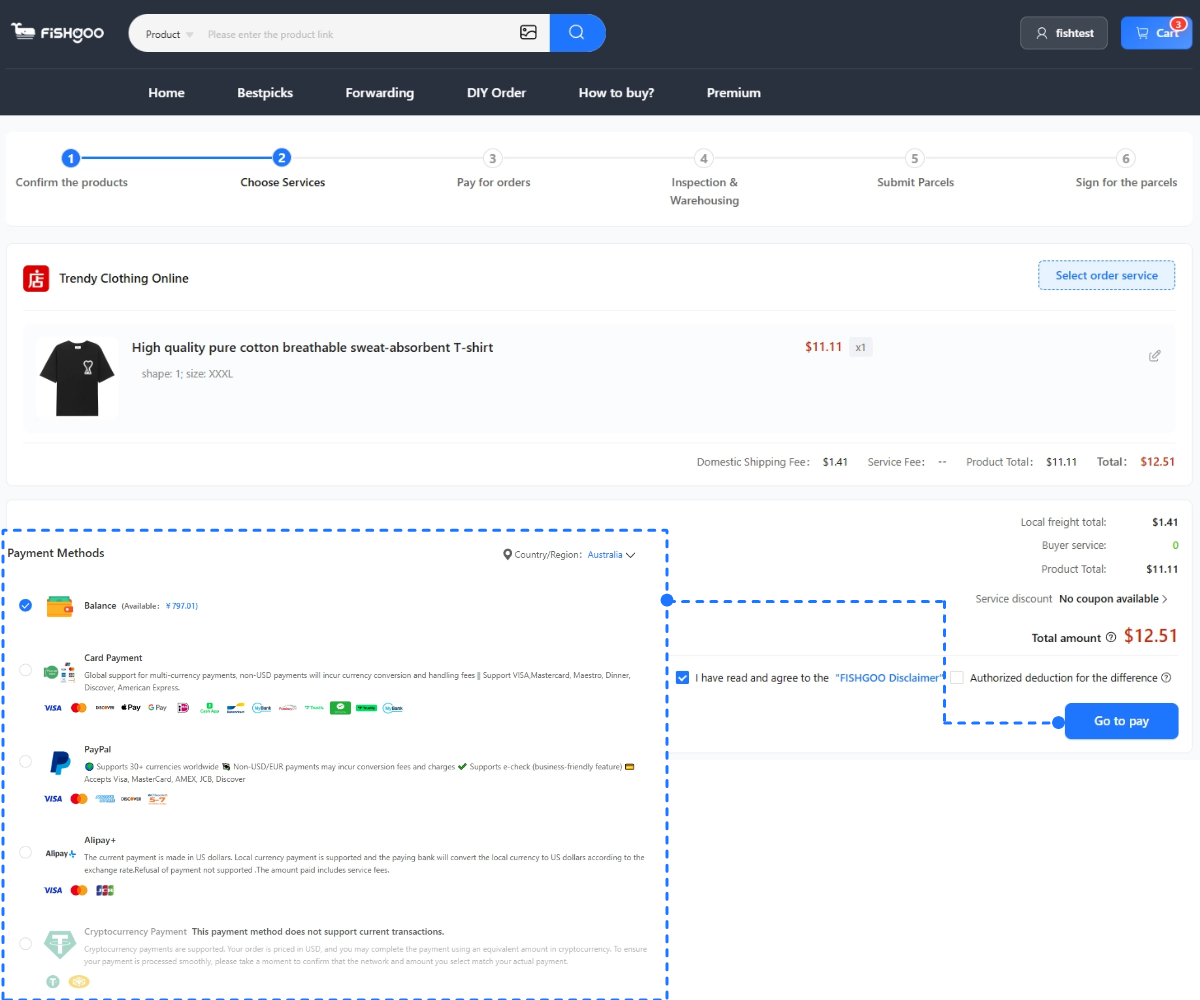
Paste the product link into a Taobao agent like Fishgoo (compare options in our agent ranking; any link format converts — see the link converter guide). The agent loads the product in English, lets you select options, accepts PayPal payment, and handles the rest including quality inspection and international shipping.
→ Find products on Taobao and buy through Fishgoo — zero fee
→ What Is Taobao? Beginner’s Guide


Start with one product, sample or restock task
Send the product link or description, approximate quantity and destination. Review the scope before any paid purchasing work begins.