How to Create a Taobao Account: The Foreigner’s Guide (2026)
Last updated: August 2026.
Creating a Taobao Account as a Foreigner: What Actually Works
Short answer: yes, you can register — Taobao accepts many international phone numbers — but two things trip people up: SMS verification that sometimes never arrives, and payment, which fails for many foreign cards even after you register successfully. This guide covers the working registration path, the fixes when verification fails, and what to do if you hit the payment wall.
Step-by-Step Registration
- Use the app if you can. Download the Taobao app (iOS/Android). The app’s registration flow is more reliable for international numbers than the desktop site.
- Tap register / sign up, choose your country code, and enter your phone number.
- Complete the slider or puzzle captcha, then wait for the SMS code. Codes from Chinese platforms can take a minute or two, and some carriers silently drop them.
- Enter the code, set a password, and your account is live. You can switch the interface region and browse immediately.
- Optional but useful: set your delivery address. If you plan to buy via an agent, you will use the agent’s China warehouse address instead of your home address.
When Verification Fails: The Fix List
- Try the app instead of the website (or vice versa) — the two flows behave differently.
- Wait and retry. Multiple rapid attempts trigger rate limiting; give it a few hours.
- Avoid VoIP numbers. Virtual numbers are often rejected; a normal mobile number from your carrier works best.
- Check your spam/blocked SMS settings. Some carriers and phones filter Chinese short-codes.
- Still stuck? You do not actually need an account to buy — see below.
The Part Nobody Tells You: Registration Isn’t the Real Wall
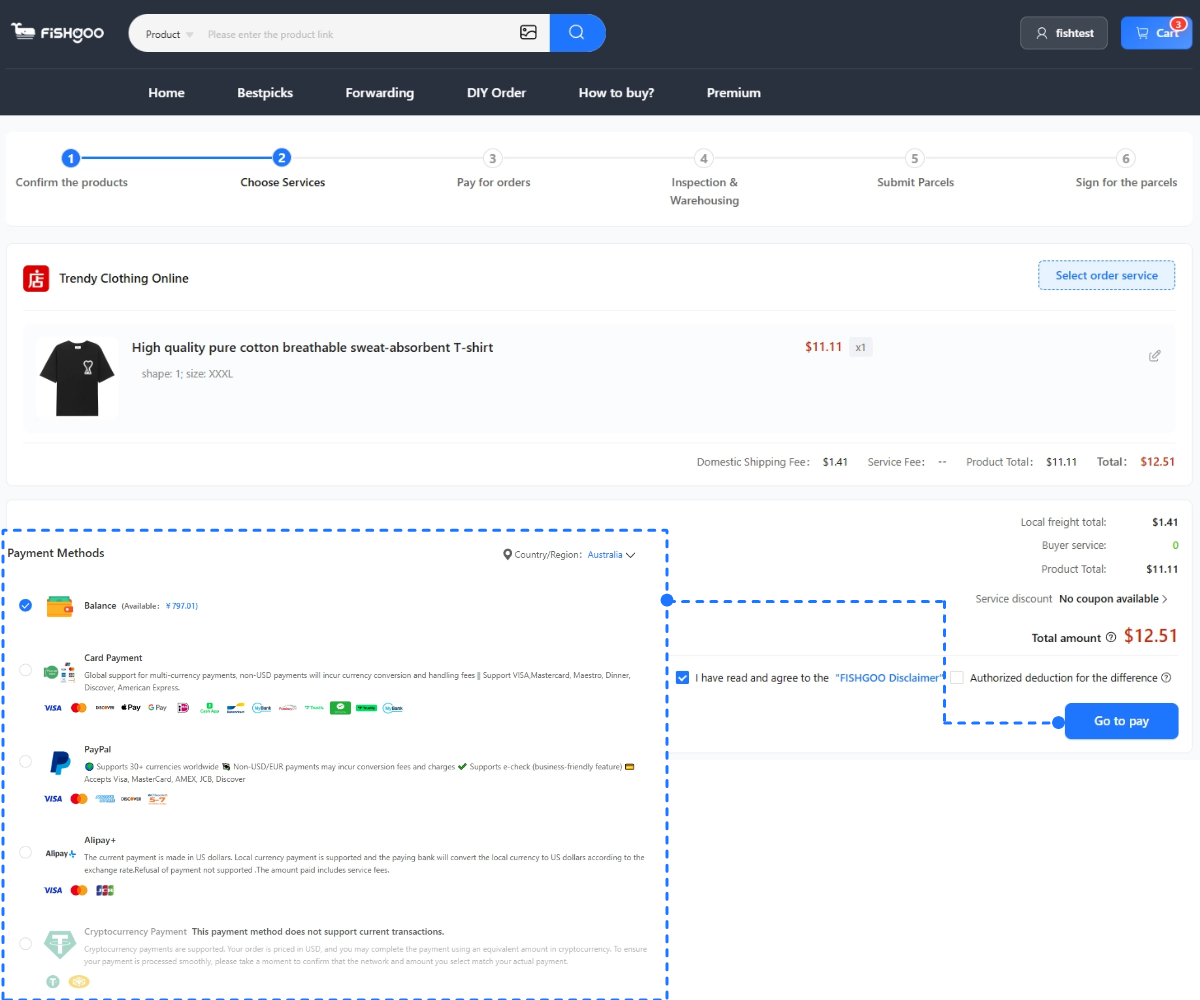
Most foreign buyers who register successfully hit the wall one step later: checkout. International card support on Taobao is inconsistent — some cards work with a fee, many are declined — and most sellers only ship within China, so you would also need a Chinese delivery address.
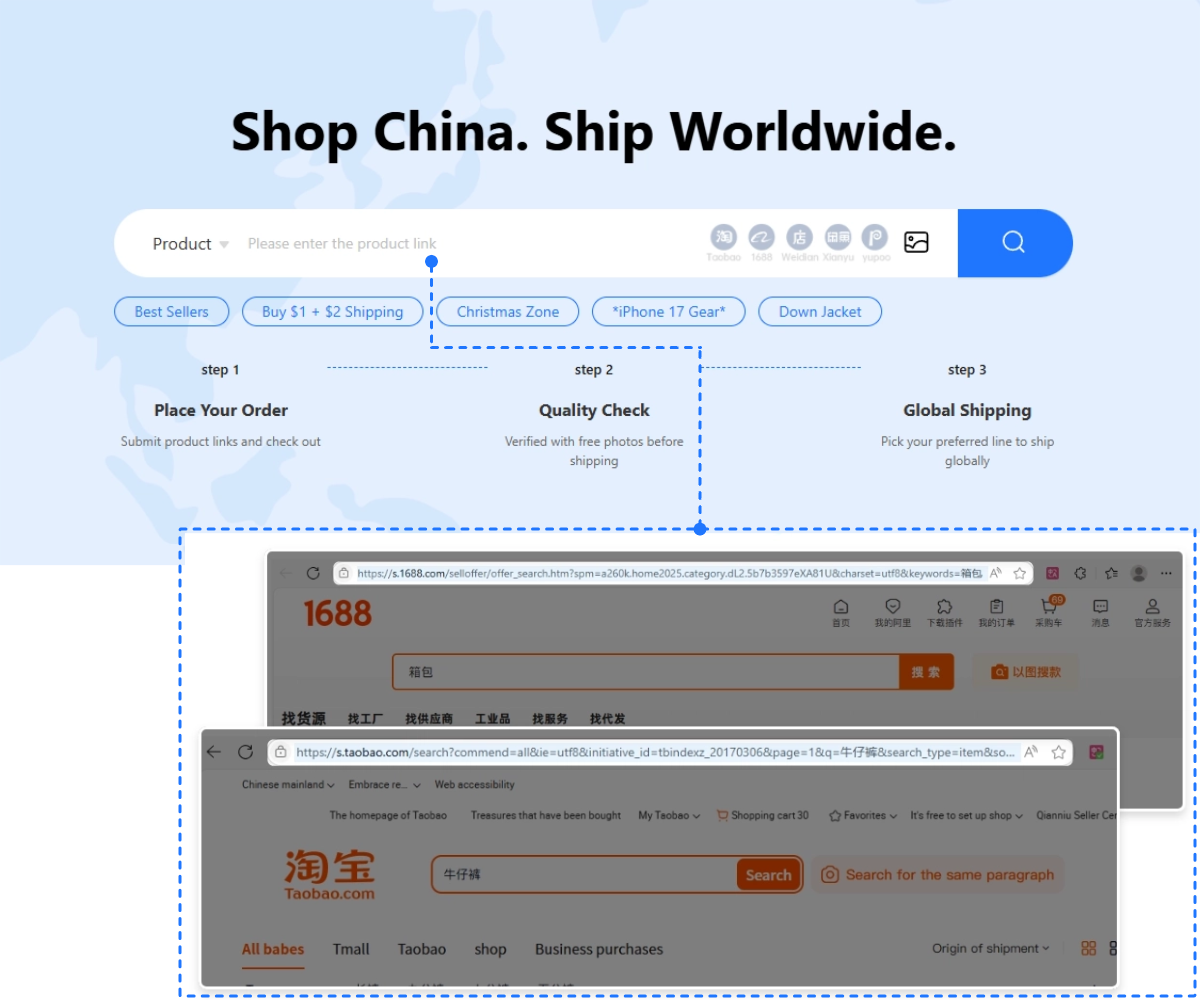
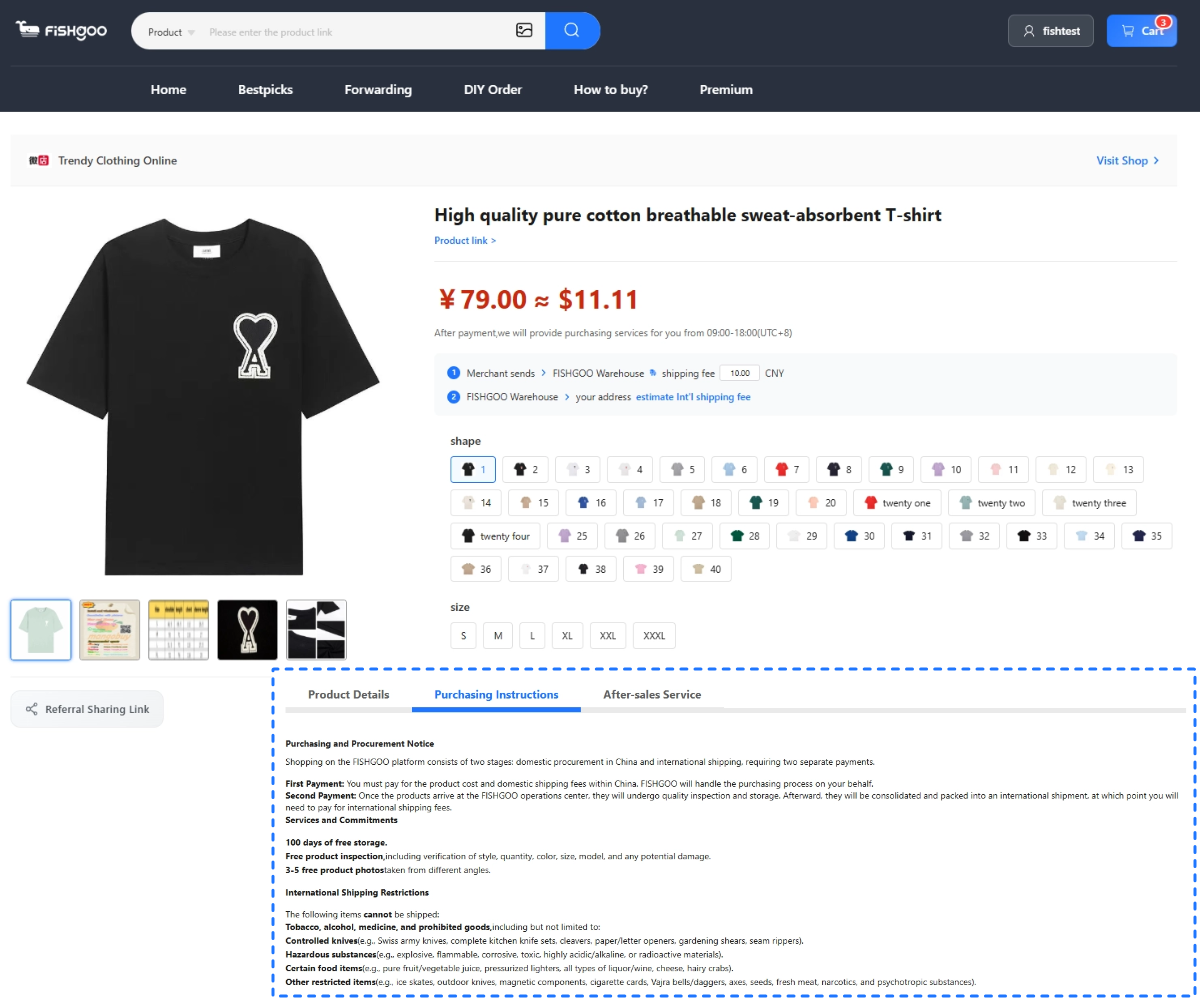
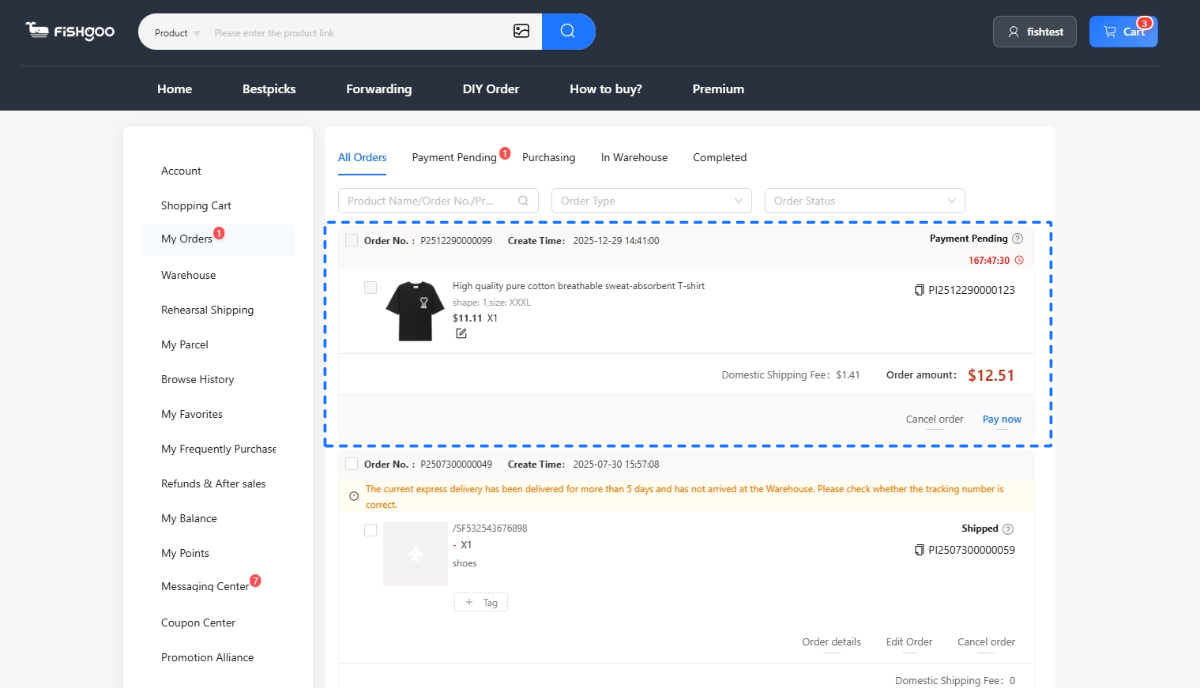
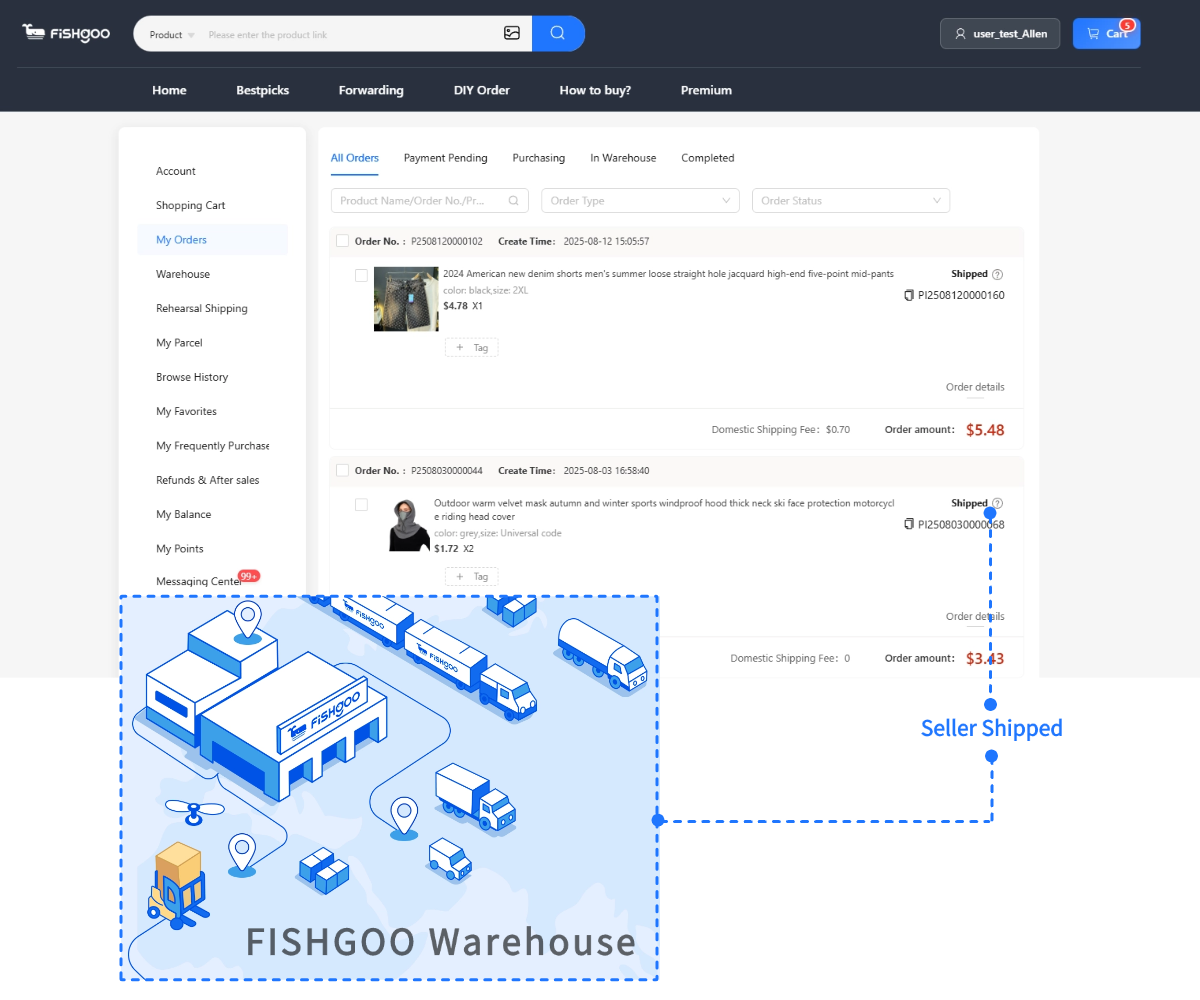
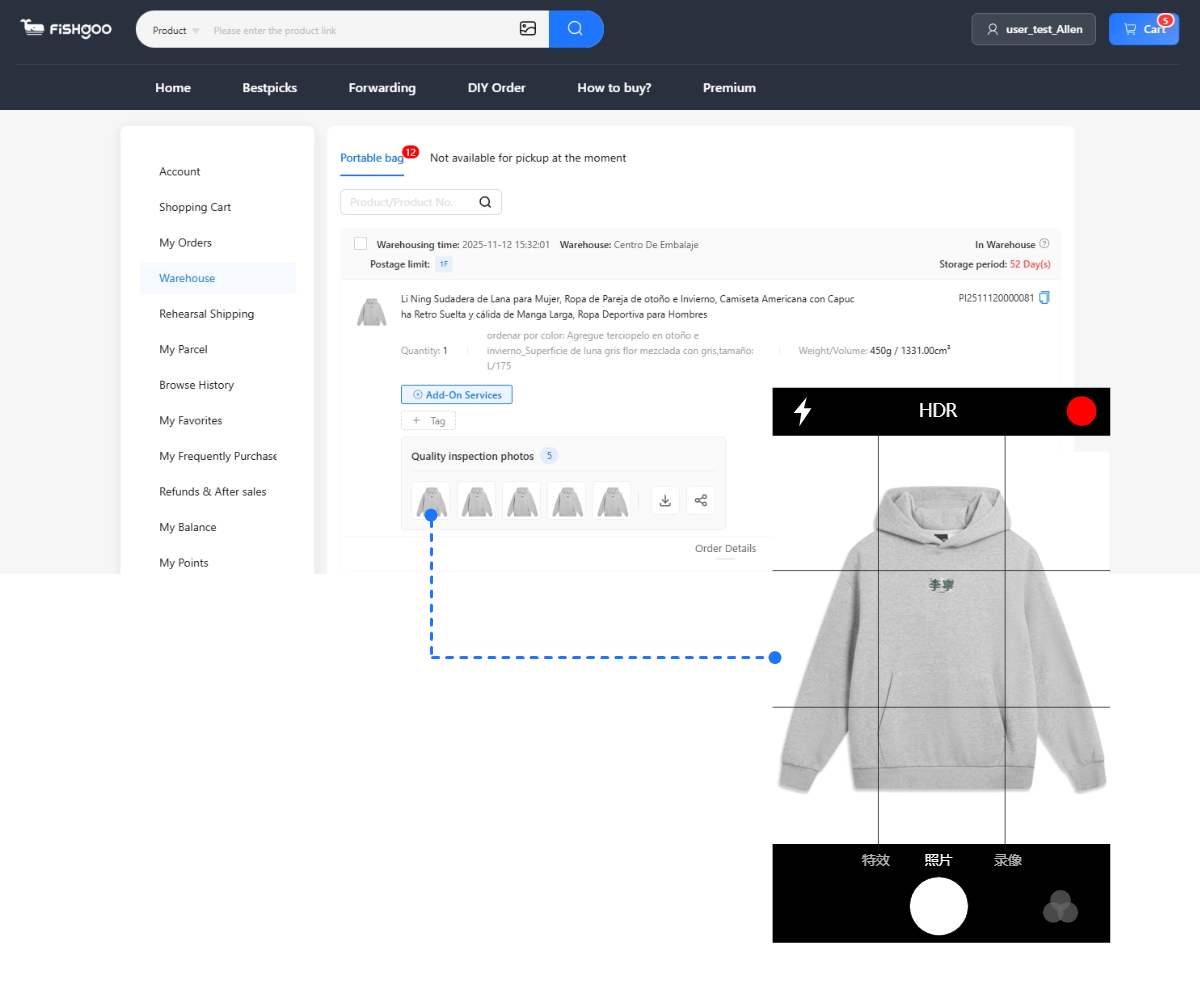
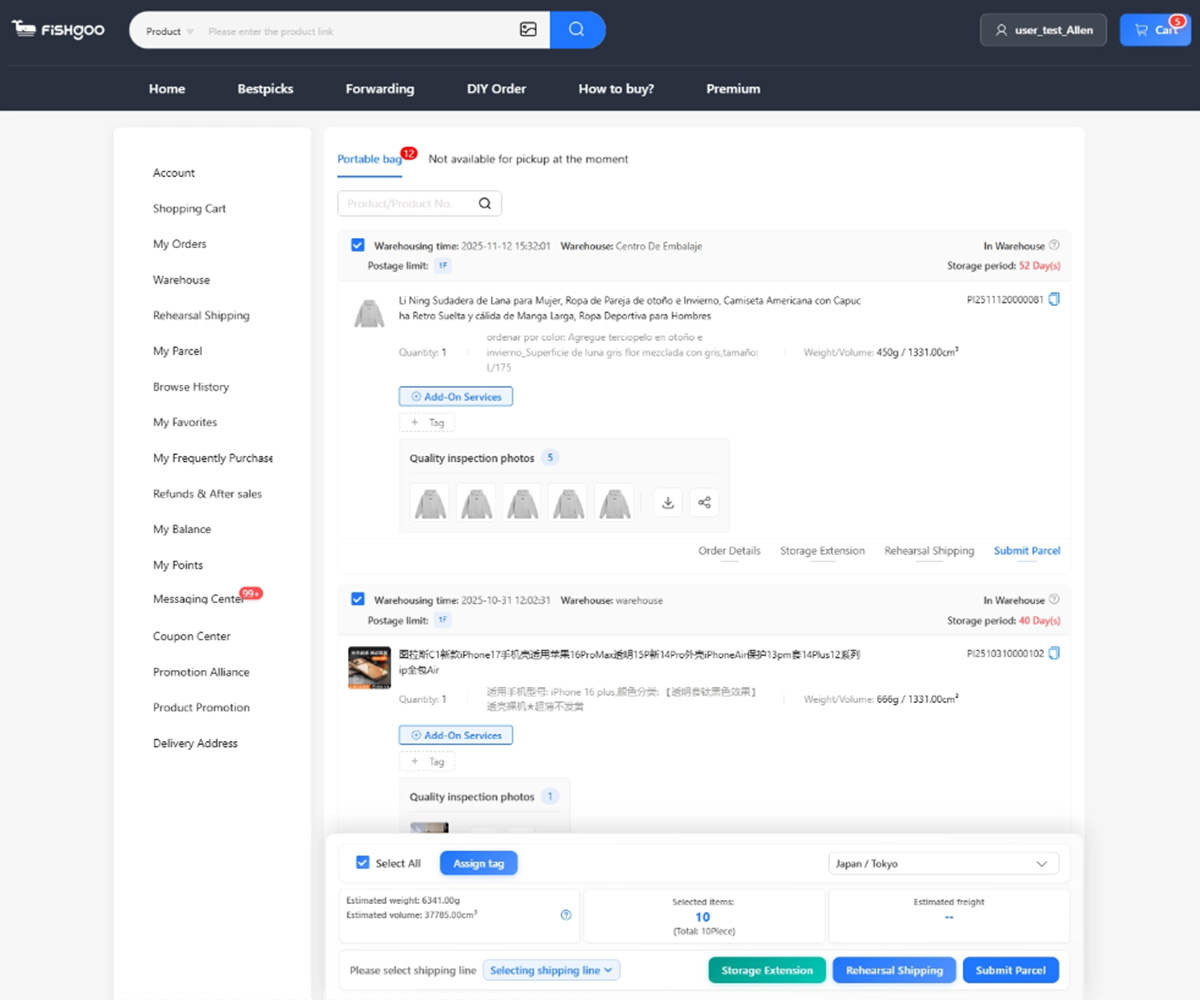
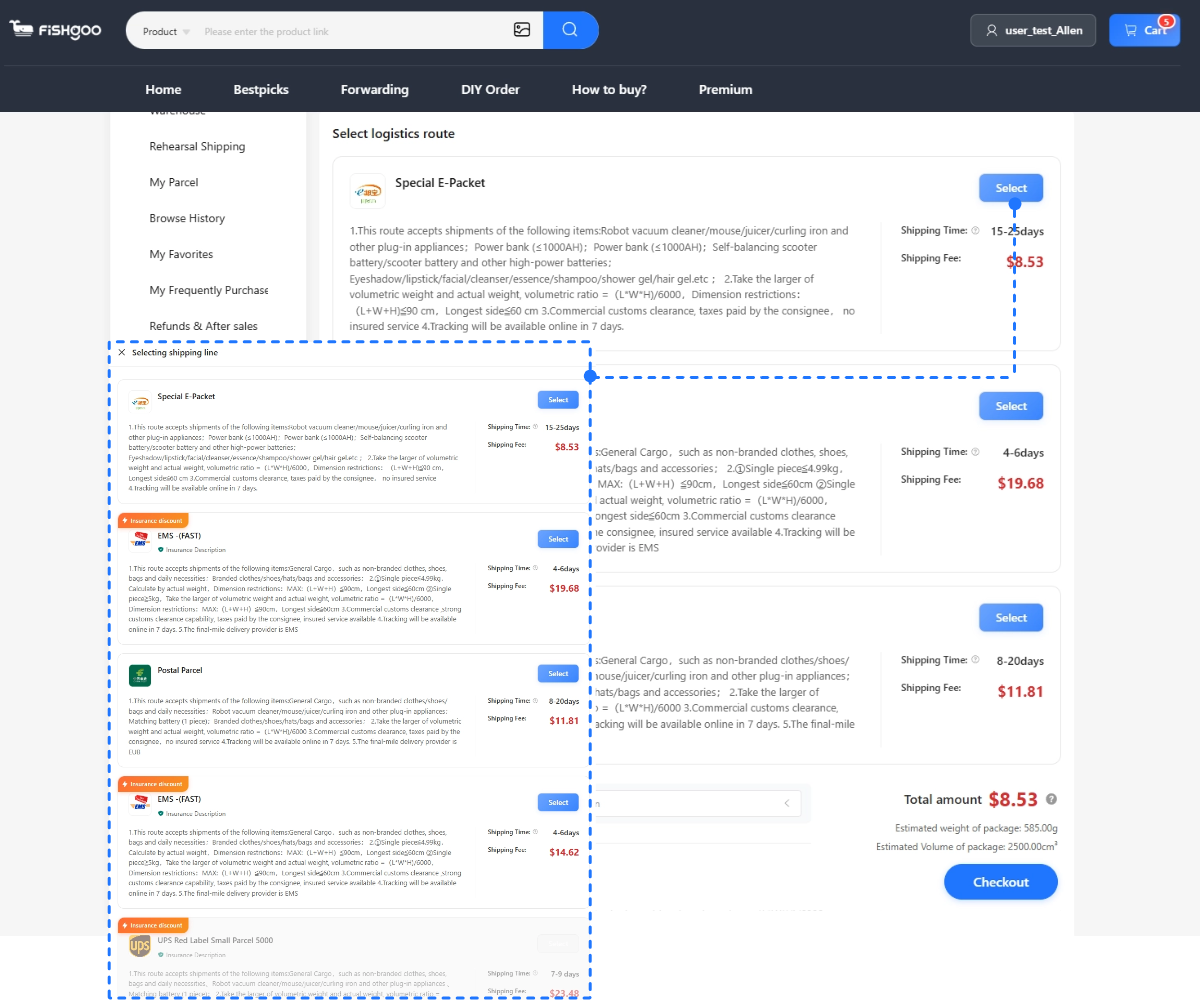
That is why the practical setup for most international buyers is: use your account for browsing, favourites and research, and order through an agent that handles payment and receives goods at a China warehouse. With Fishgoo you paste the product link, pay a 0% purchasing service fee, review 5 free QC photos when items arrive at the warehouse, and consolidate for up to 100 days before choosing among 2,000+ international routes. No Taobao account required at all — the link is enough.
New to the whole flow? Start with how to buy from Taobao and the Taobao app tutorial. Can’t read the listings? Taobao in English covers the translation setup.
FAQ
Can foreigners create a Taobao account?
Yes. Taobao registration supports many international phone numbers for SMS verification. Verification can be flaky from some countries and carriers, though — if the code never arrives, try the app instead of the website, or at a different time of day.
Why won’t Taobao send me a verification code?
Common causes: carrier filtering of Chinese SMS, too many attempts in a short window, or a number type the system rejects (some VoIP numbers). Try the official app, wait a few hours, or use a different number. If it keeps failing, you can still buy through an agent without your own account.
Do I need a Taobao account to buy from Taobao?
Not necessarily. If you order through an agent, the agent buys with its own accounts — you just paste the product link. Your own account is mainly useful for browsing, saving favourites and chatting with sellers. (How agents work end-to-end: Taobao agent guide.)
Can I pay on Taobao with a foreign card?
Sometimes — international card support exists but is inconsistent, and declines are common. Payment, not registration, is the wall for most foreign buyers, which is why many end up ordering through an agent even when they have a working account.
Skip the account hassle — order via Fishgoo with just a link →


Start with one product, sample or restock task
Send the product link or description, approximate quantity and destination. Review the scope before any paid purchasing work begins.