Taobao App Tutorial 2026: How International Buyers Actually Use It
First, the honest bit: the Taobao app is in Chinese by default — and even after you switch the Taobao app to English (recent versions have a language setting under Me → Settings → General → Language), product listings, seller chat and checkout stay Chinese. The official English app only exists in 4 countries. If you were hoping to download the app and shop like you shop on Amazon, you’re going to be disappointed. That’s not how it works.
But here’s what the app actually is good for, and why experienced international buyers still install it even though they don’t buy through it: image search. The Taobao app has one of the best reverse-image-search engines of any shopping app anywhere — point it at a photo of literally anything, and it finds matching or similar products from thousands of Chinese sellers in seconds. That single feature makes the app worth installing, even if everything else about it feels confusing.
This tutorial walks through how to actually use the Taobao app as an international buyer. What it’s useful for, what it’s not, how to navigate without reading Chinese, and how to combine the app with a Taobao agent to make real purchases.
→ Want the English alternative? Taobao in English overview
Installing the Taobao App
The Taobao app is available on both iOS and Android in most countries. Installation is straightforward:
iOS (iPhone/iPad): Open the App Store. Search “Taobao” or “淘宝”. The official app is published by Taobao (China) Software Co., Ltd. Download is free. No region switching required for most Western countries.
Android: Open Google Play. Search “Taobao”. The official app publisher is the same. Download free. Some regions may not have it listed on Play Store — in that case, download directly from Taobao’s official website (taobao.com) as an APK file.
Once installed, you can open the app and immediately start browsing and using image search without creating an account. Account creation is only needed if you want to save items to favorites, leave reviews, or attempt to purchase (which doesn’t work for international buyers anyway).
Navigating Without Chinese
The app opens to a home page of products and promotions — all in Chinese. Here’s how to navigate the key functions:
Home tab (首页)
The bottom-left icon. Shows a product feed personalized based on browsing history. For first-time users this is mostly noise — you haven’t told the algorithm what you want yet. Skip this tab until you’ve done some searching.
Search bar (top of screen)
The most important element. Type Chinese keywords here to search. If you don’t speak Chinese, use Google Translate to convert your English search term and paste the result. For example:
- “oversized hoodie” → 宽松卫衣 → paste and search
- “silicone phone case” → 硅胶手机壳 → paste and search
- “anime wig” → 动漫假发 → paste and search
Camera icon in the search bar
This is the magic button. Tap it to open image search. Two options:
- Take a photo of something in front of you
- Upload from gallery — screenshot or saved image from anywhere
Taobao’s image search is shockingly good. Screenshot an Instagram outfit, upload it, and you’ll get pages of visually matching items from Chinese sellers at a fraction of whatever the original was selling for. This is the single feature that makes the Taobao app worth having.
Bottom tabs
Left to right: Home (首页), Categories (分类), Messages (消息), Cart (购物车), Me (我的). For international buyers, only Home and the Search function matter. The others require a Chinese account to be useful.
What the Taobao App Can’t Do for International Buyers
Being honest about limitations prevents frustration:
Purchase products directly. The app’s payment system requires Alipay tied to a Chinese bank account and Chinese phone number. You can add items to cart but can’t check out. This isn’t a technical limitation you can work around — it’s baked into the platform.
Chat with sellers effectively. Seller chat is real-time Chinese. Google Translate doesn’t work well inside the chat interface. You’d struggle to negotiate or ask detailed questions.
Track domestic shipping. The app shows Chinese domestic tracking in Chinese only. Even if you could read it, domestic tracking stops once items leave China, making the app useless for international delivery tracking.
Leave reviews. Reviews require a verified Chinese account.
Use buyer protection. Taobao’s dispute system requires Chinese ID verification. International buyers have no standing in the native dispute system.
None of these limitations matter if you use the app the right way — for browsing and image search only — and then move to an agent for the actual purchase.
The Real Workflow: App + Agent
Here’s how experienced international buyers actually use the Taobao app:
Step 1: Browse or image search. Use the app to explore products. Image search for specific items. Translated keyword search for categories. Save interesting product pages to your phone (screenshot the URL).
Step 2: Copy the product link. On any product page, tap the share icon. Copy the product URL to your clipboard.
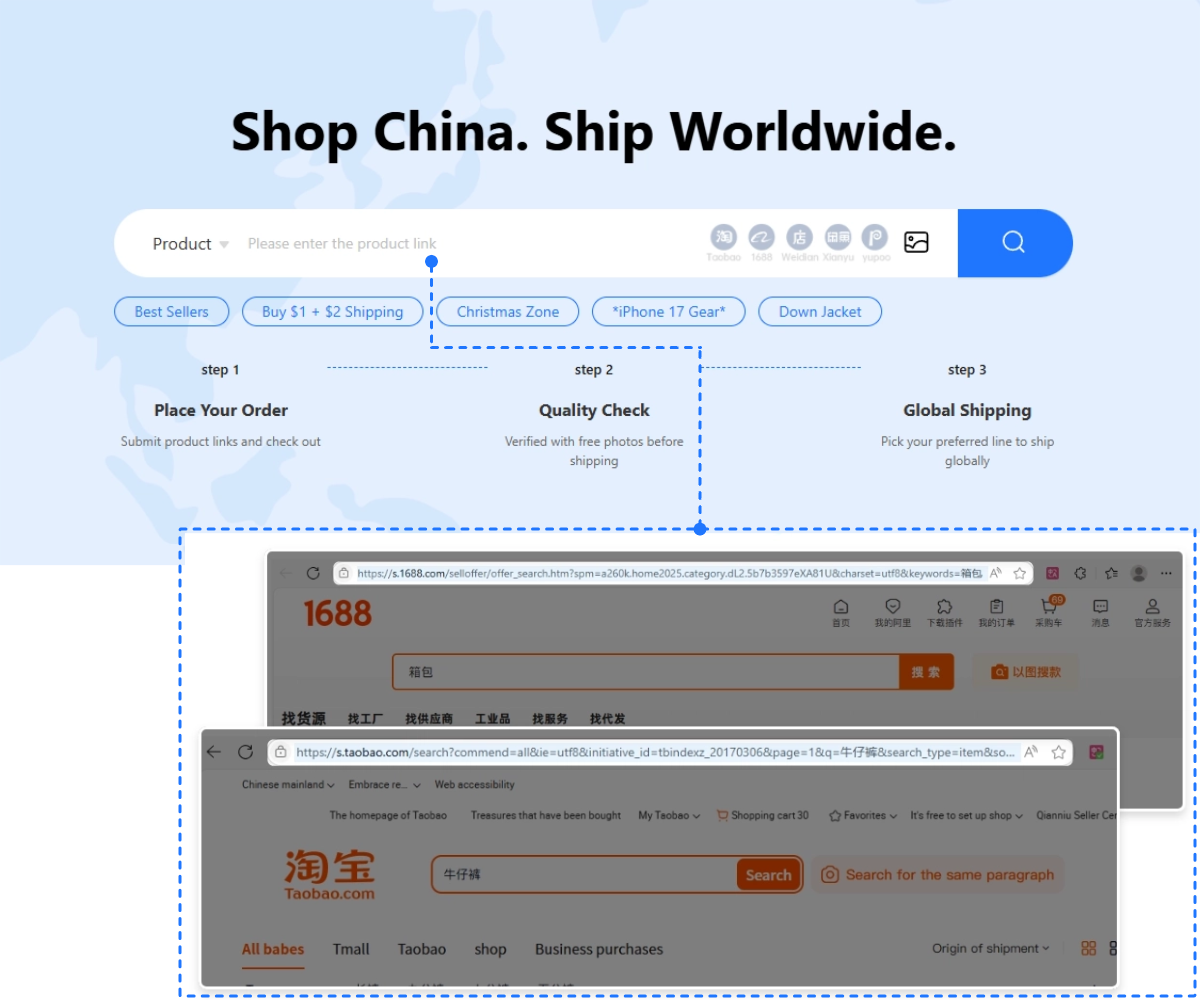
Step 3: Switch to your Taobao agent. Open Fishgoo in your browser. Paste the Taobao product URL into Fishgoo’s search bar.
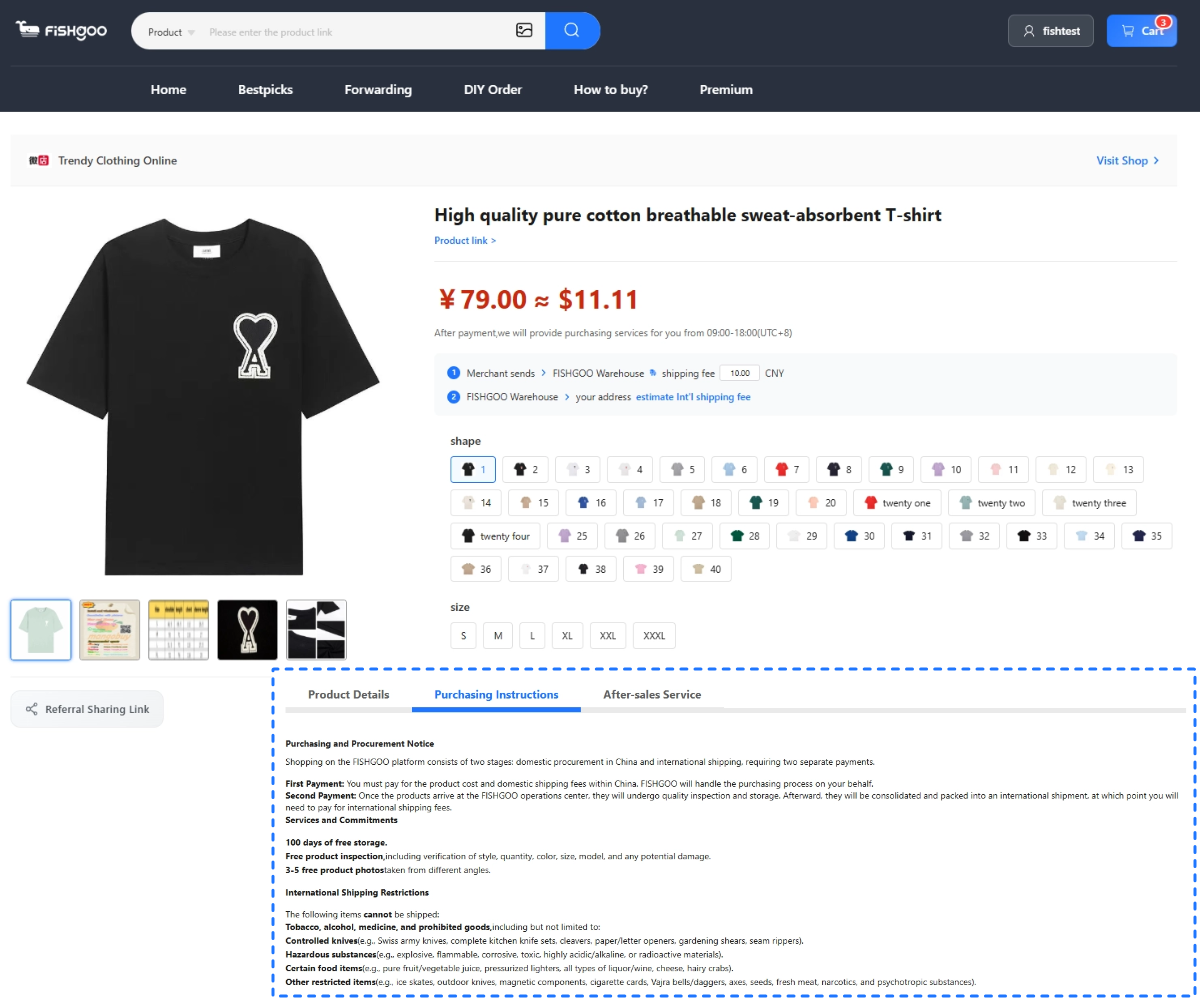
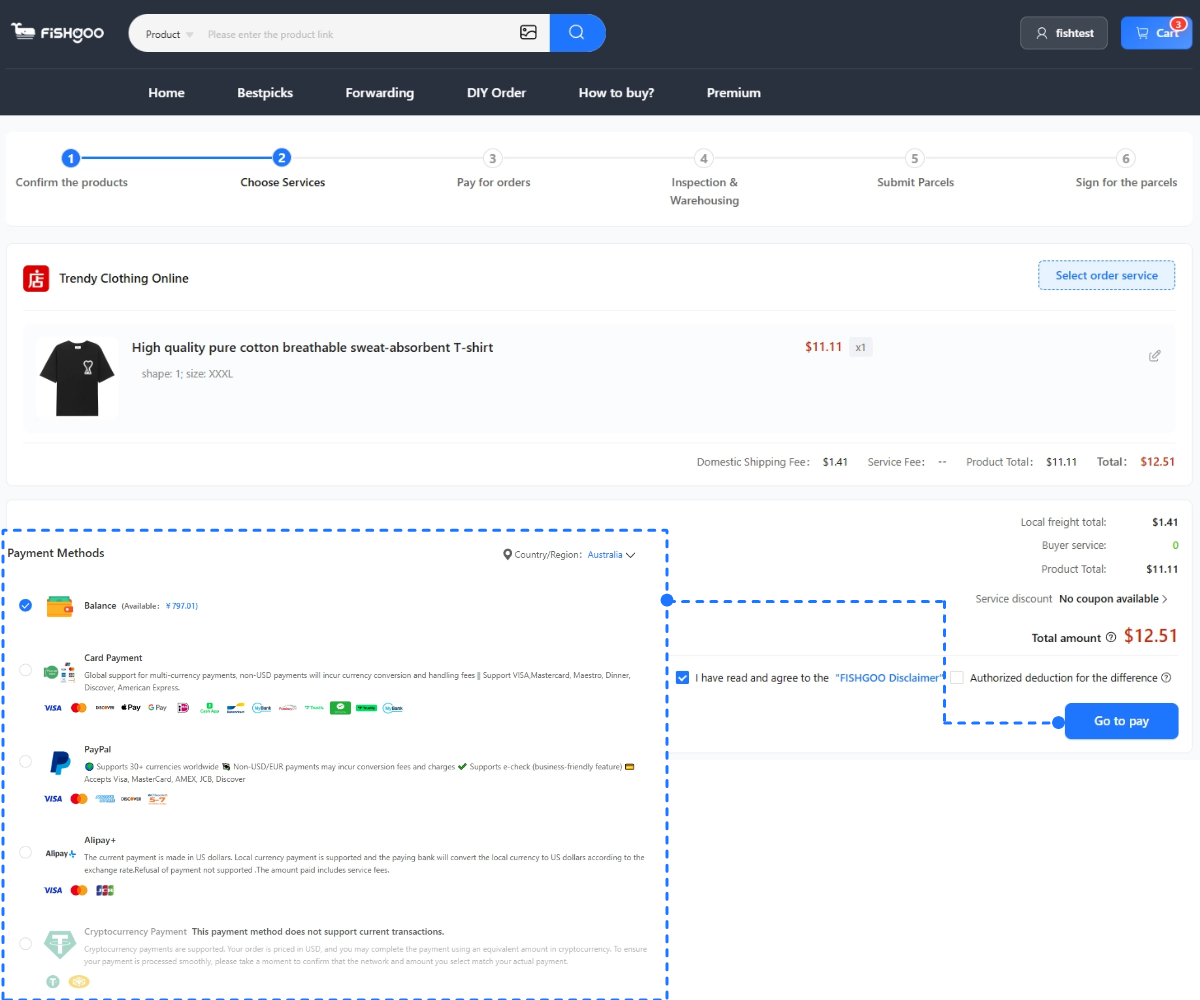
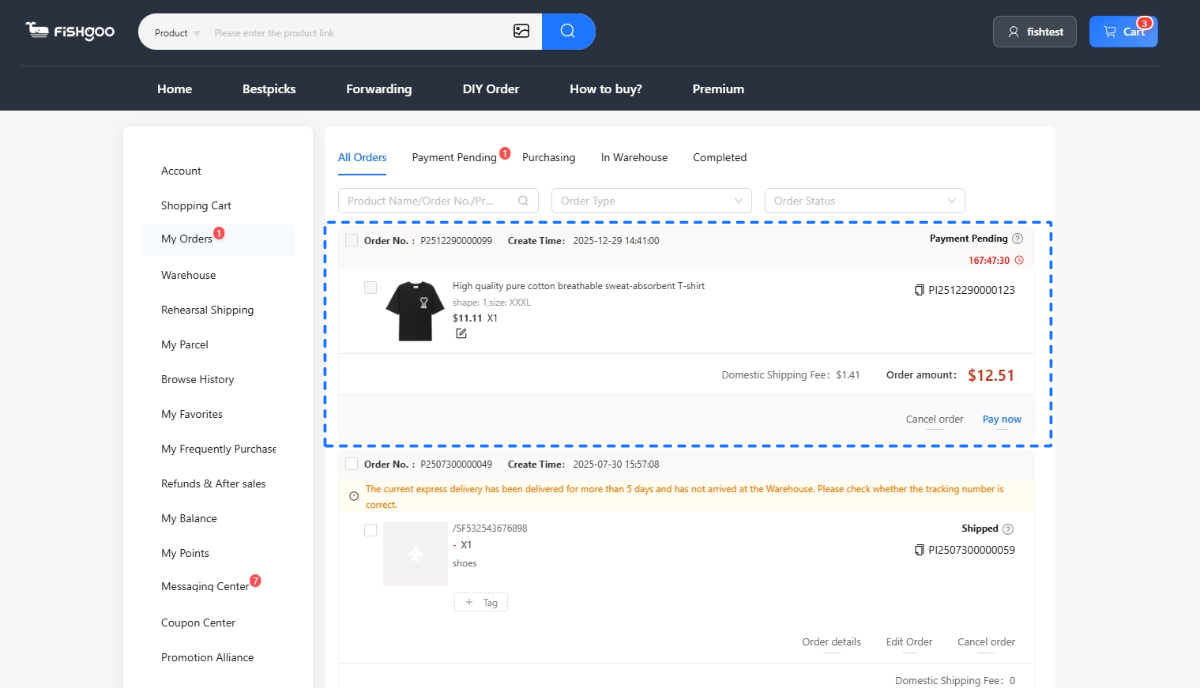
Step 4: Complete the purchase in English. Fishgoo loads the product in English. Select size, color, quantity. Add to cart. Pay via PayPal. Zero service fee.
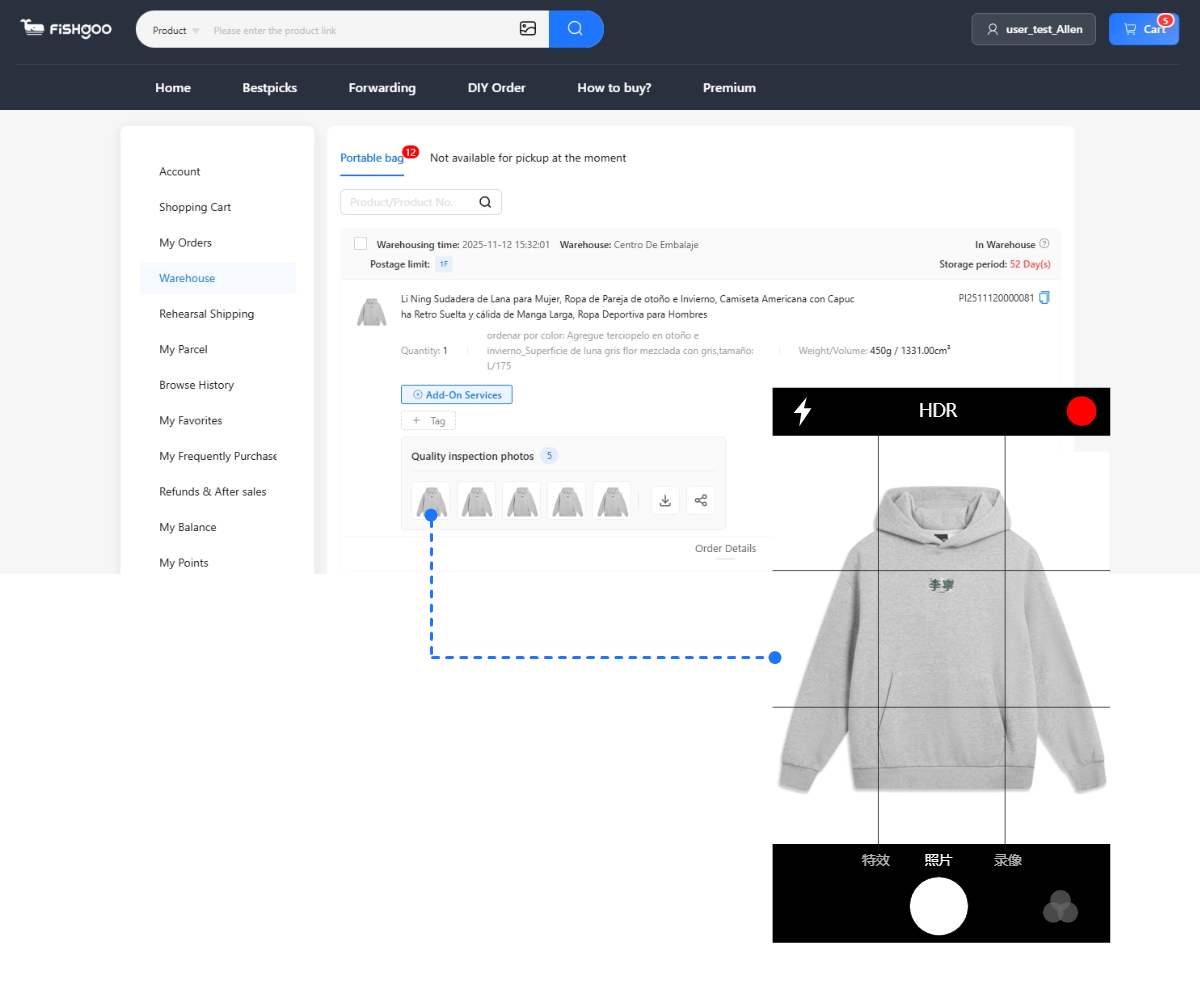
Step 5: Review QC photos after warehouse arrival. 5 free HD photos per item. Approve or return before international shipping.
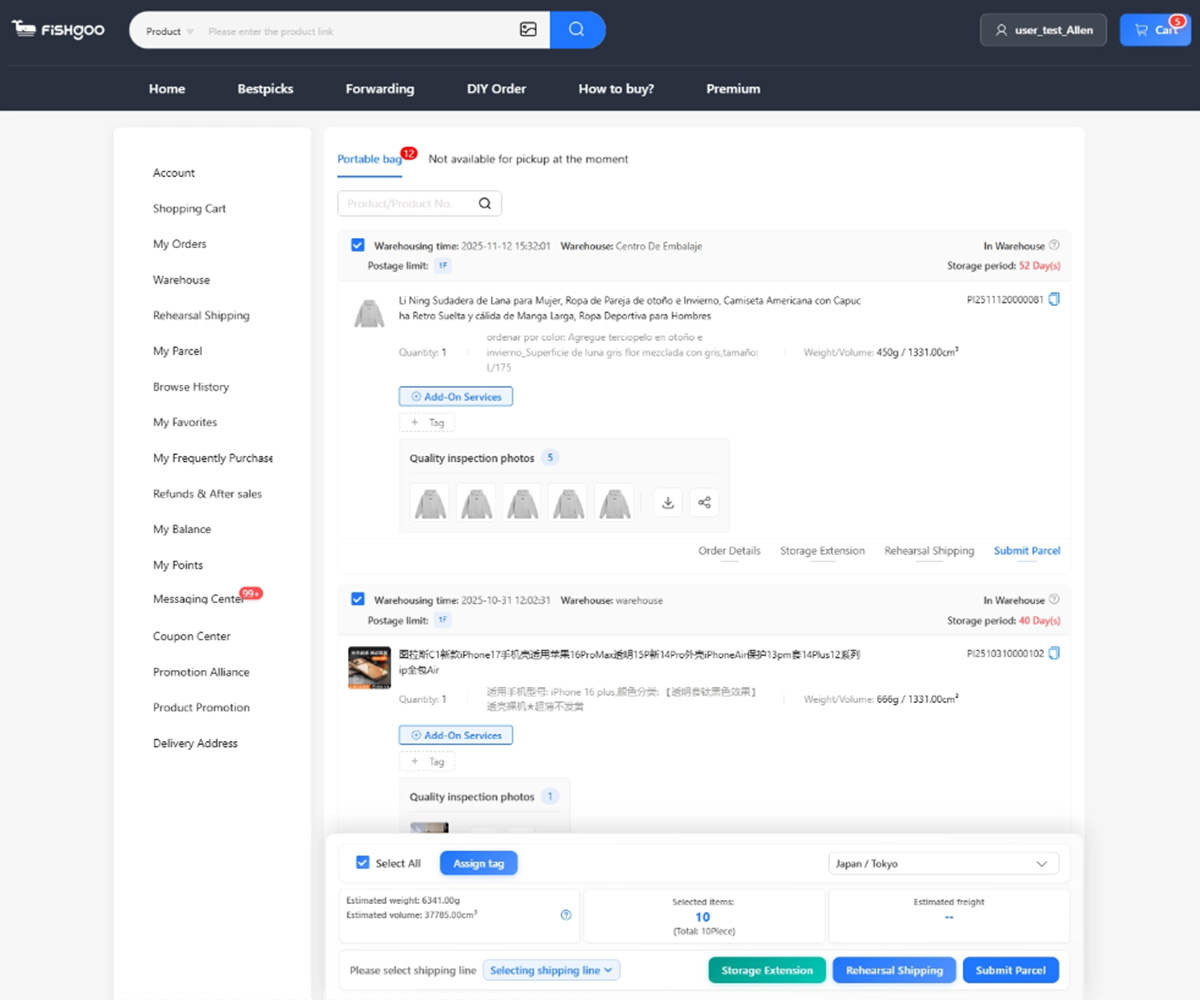
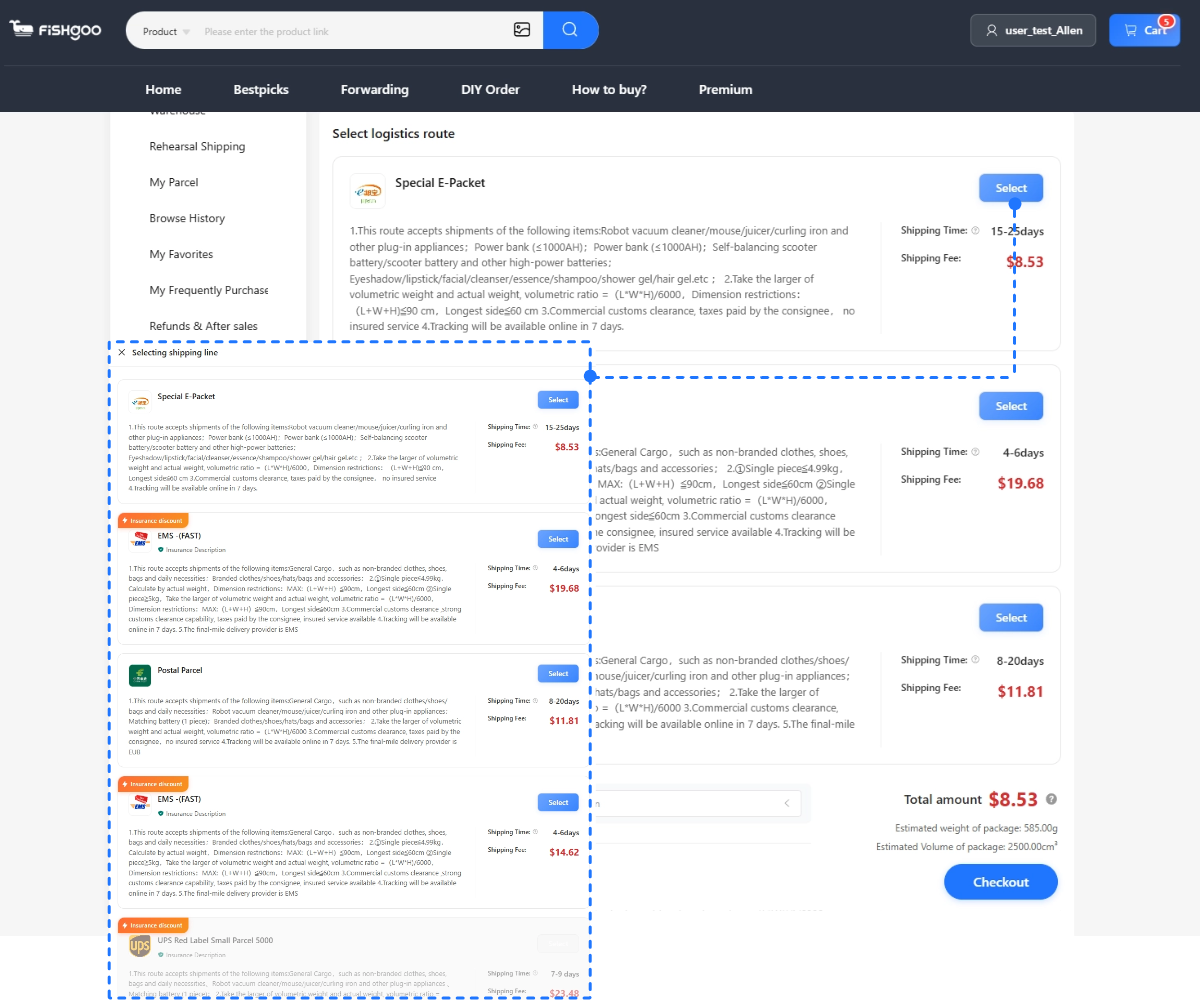
Step 6: Consolidate and ship. Choose shipping method, pay fee, track to delivery.
This hybrid approach gives you the best of both: the app’s product discovery power, plus an English-language purchase workflow that actually works. Most experienced buyers spend 90% of their product-hunting time in the Taobao app and 10% of their actual purchasing time in their agent’s dashboard.
→ How to use Fishgoo walkthrough
App-Specific Tips That Save Time
1. Browser-based Google Translate works for the web version but not the app. If you prefer translated interface, use taobao.com in Chrome with the translate plugin rather than the mobile app. The app doesn’t support live translation.
2. Screenshot everything you like. App-based wishlists require a Chinese account. Instead, take screenshots of products you want and save to a dedicated phone album. Works the same way for your personal organization.
3. Image search is better than keyword search for niche items. If you’re hunting for something specific like “the exact hoodie from this music video” or “the earrings this influencer wore” — image search finds them faster than any keyword combination.
4. Check seller transaction counts. Even without reading Chinese, the transaction count number displays clearly on product pages. Stick to sellers with 1,000+ transactions for safer first orders.
5. Look at buyer-uploaded photos in reviews. These photos tell you what the product actually looks like versus the listing photos. Skim the photos even without reading the Chinese text around them.
6. Use the app alongside Reddit. r/FashionReps, r/RepSneakers, r/Taobao share product links that open directly in the app. One-tap from Reddit browsing to Taobao app to copied link.
Alternative: Skip the App Entirely
Here’s a secret most tutorials don’t mention: you don’t actually need the Taobao app at all. The web version (taobao.com in a browser) has everything the app has, plus better Google Translate support, plus the ability to easily copy-paste links to your agent.
Many experienced international buyers skip the app entirely and just browse taobao.com on their laptop or phone browser. Image search works through the web version too (uploading via the camera icon in the search bar).
The only reason to install the app specifically: mobile image search is slightly more convenient than web-based image search for on-the-go discovery. If you’re mostly browsing at home on a laptop, the web version is fine.
Either way, the actual purchase happens through your agent’s English interface.
→ Taobao in English alternatives
FAQ
Can I buy from the Taobao app as a foreigner?
No. The app’s payment system requires Alipay with a Chinese bank account. International buyers use the app for browsing and image search, then purchase through a Taobao agent like Fishgoo.
Is there an English Taobao app?
A limited version exists for Singapore, Malaysia, Australia, and New Zealand only, with a small curated selection at higher prices. For full Taobao access in English, use a Taobao agent.
What’s the best way to search on the Taobao app?
Image search (camera icon in the search bar) for specific items. Google Translate-converted Chinese keywords for category browsing. Reddit-shared links for curated quality finds.
Do I need to install the Taobao app?
No. The web version at taobao.com works identically and supports better Google Translate integration. Many international buyers never install the app.
Which agent works with the Taobao app?
Fishgoo accepts product URLs copied from the Taobao app (or web version). Zero service fee, 5 free QC photos, PayPal accepted, English interface throughout.


Start with one product, sample or restock task
Send the product link or description, approximate quantity and destination. Review the scope before any paid purchasing work begins.