Yupoo: What It Is & How to Order From a Yupoo Album (2026)
Yupoo is a photo catalogue. Sellers group product photos into albums. To find a specific seller, open their album address (for example, sellername.x.yupoo.com). If the album is private, ask the seller for its access code.
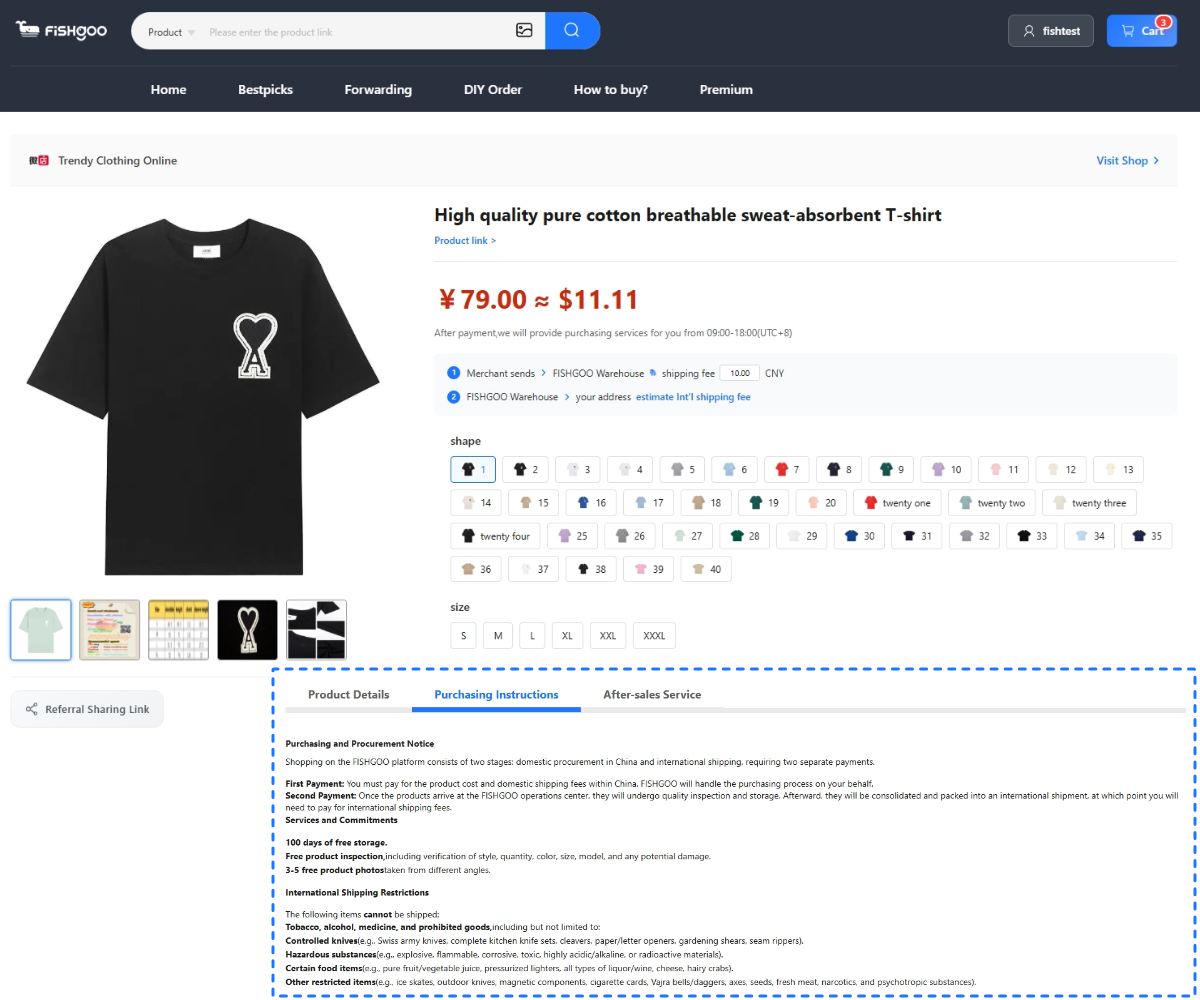
Found an item you want? Open its photo set and copy that page’s link, not just the image. Note the item code, size and colour. If the caption includes a Taobao or Weidian listing, open the product link on Fishgoo. If you only have an album, ask for the price and availability of that exact variant before paying.
How a Yupoo Album Works
- The address: each seller gets a subdomain like
sellername.x.yupoo.com, with albums organized by category. - The items: each album entry is a photo set; the item name, code or model number lives in the photo caption — note it down, it’s how you reference the item when ordering.
- The prices: usually not shown. Sellers quote on request — which is why the confirm-before-pay step below matters.
- The contact: album headers list the seller’s ordering channel. For international buyers, skip direct contact and let an agent handle it — see the next section for why.
- Seller catalogue ·
sellername.x.yupoo.com
Open the item you want. - Item album · several photos of one item
Copy the page address and note the item code. A single photo leaves out the caption. - Product listing · a Taobao or Weidian link in the caption
Open it to check the exact variant. If there is no listing, ask for the price and availability.
How to Order From a Yupoo Album (The Safe Way)
- Copy the album or item link from your browser.
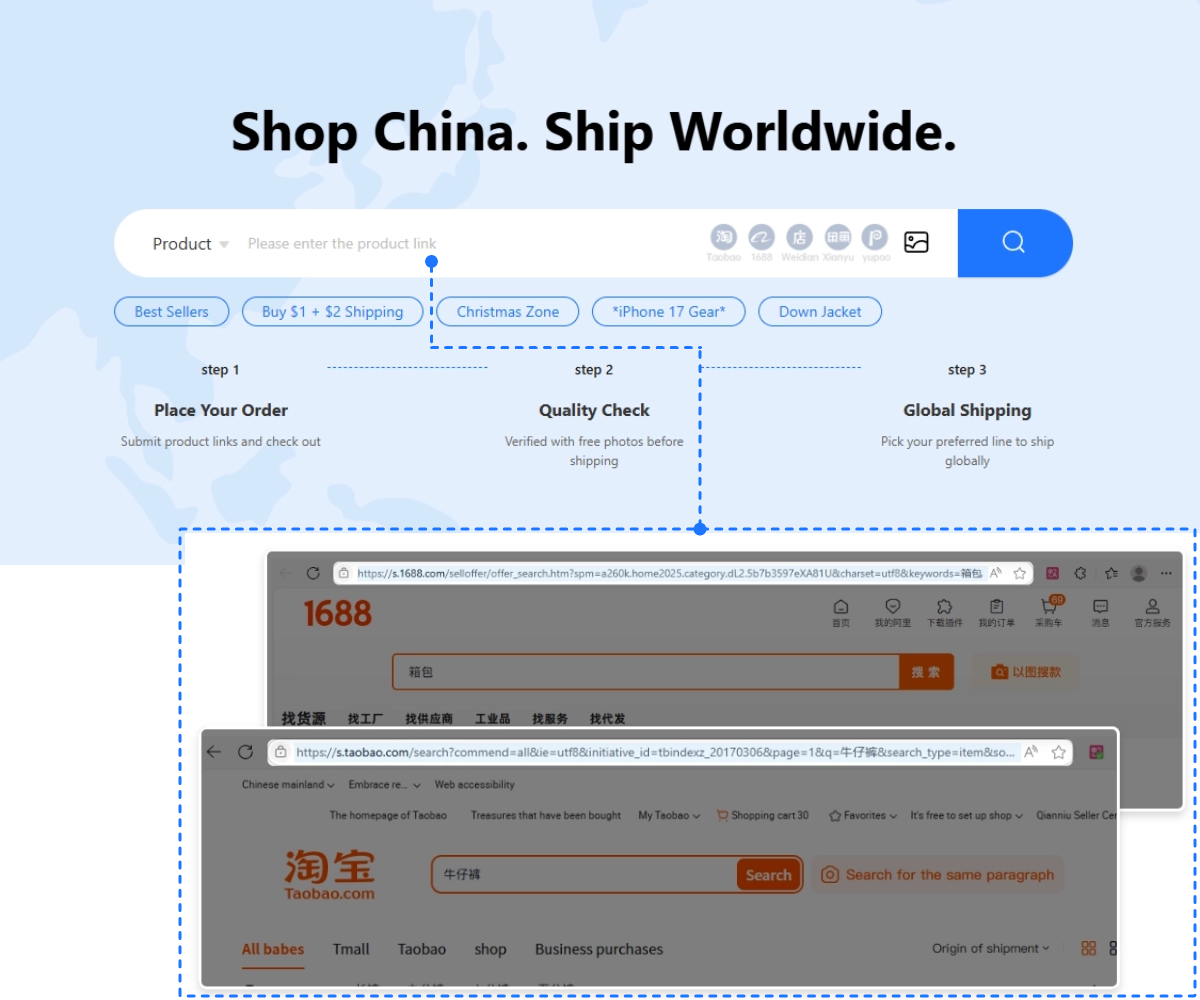
- Have a marketplace link? Open the listing and select your variant. For an album-only item, share the item page and code with the agent to request a quote.
- Wait for confirmation before paying. The agent checks price, availability and specs with the seller. Nothing moves until you approve the confirmed details.
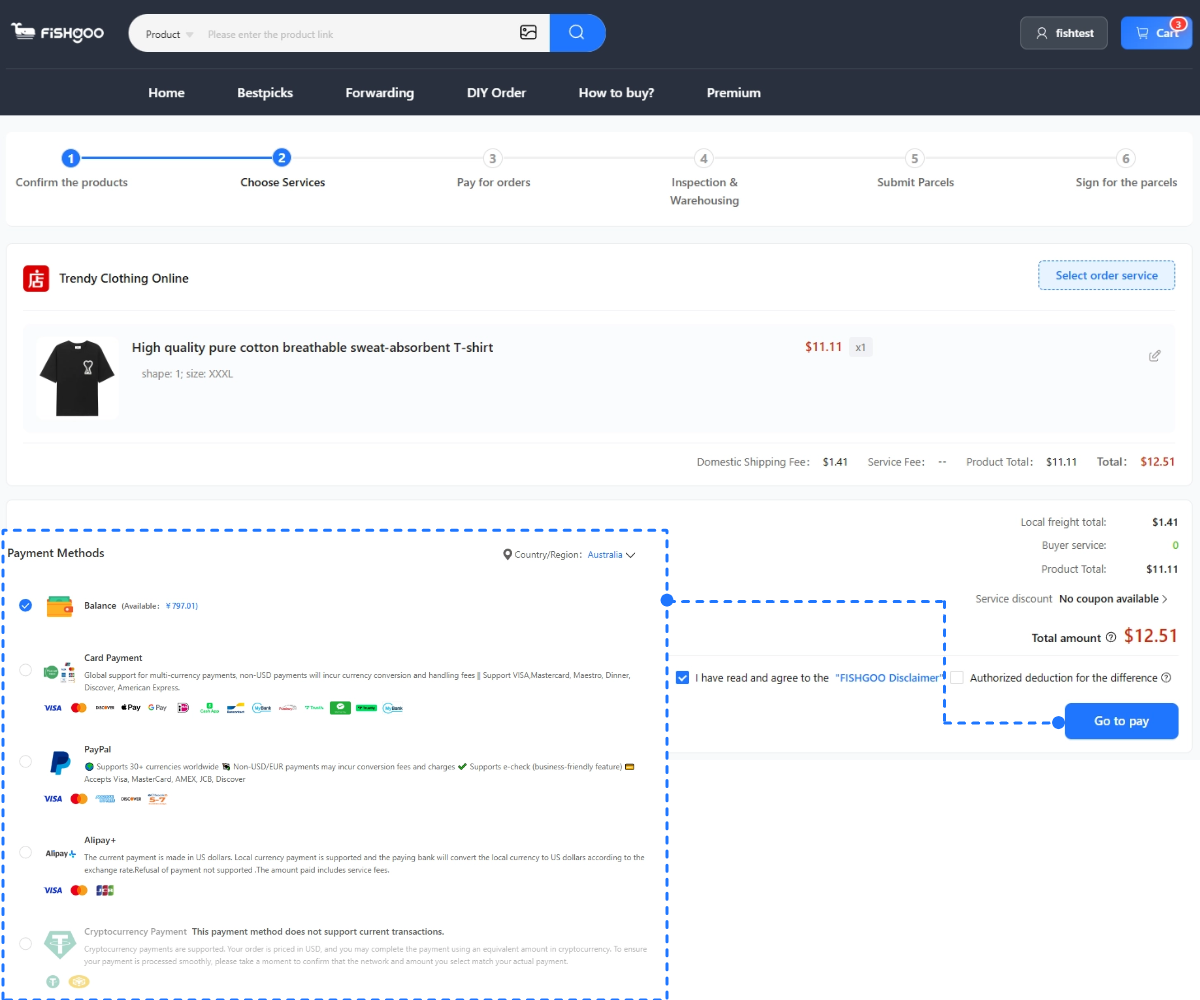
- Never pay a Yupoo seller directly through friends-and-family transfers or other untraceable methods — there is no dispute path if something goes wrong. Routing through the agent keeps a record and a refund boundary at every step.
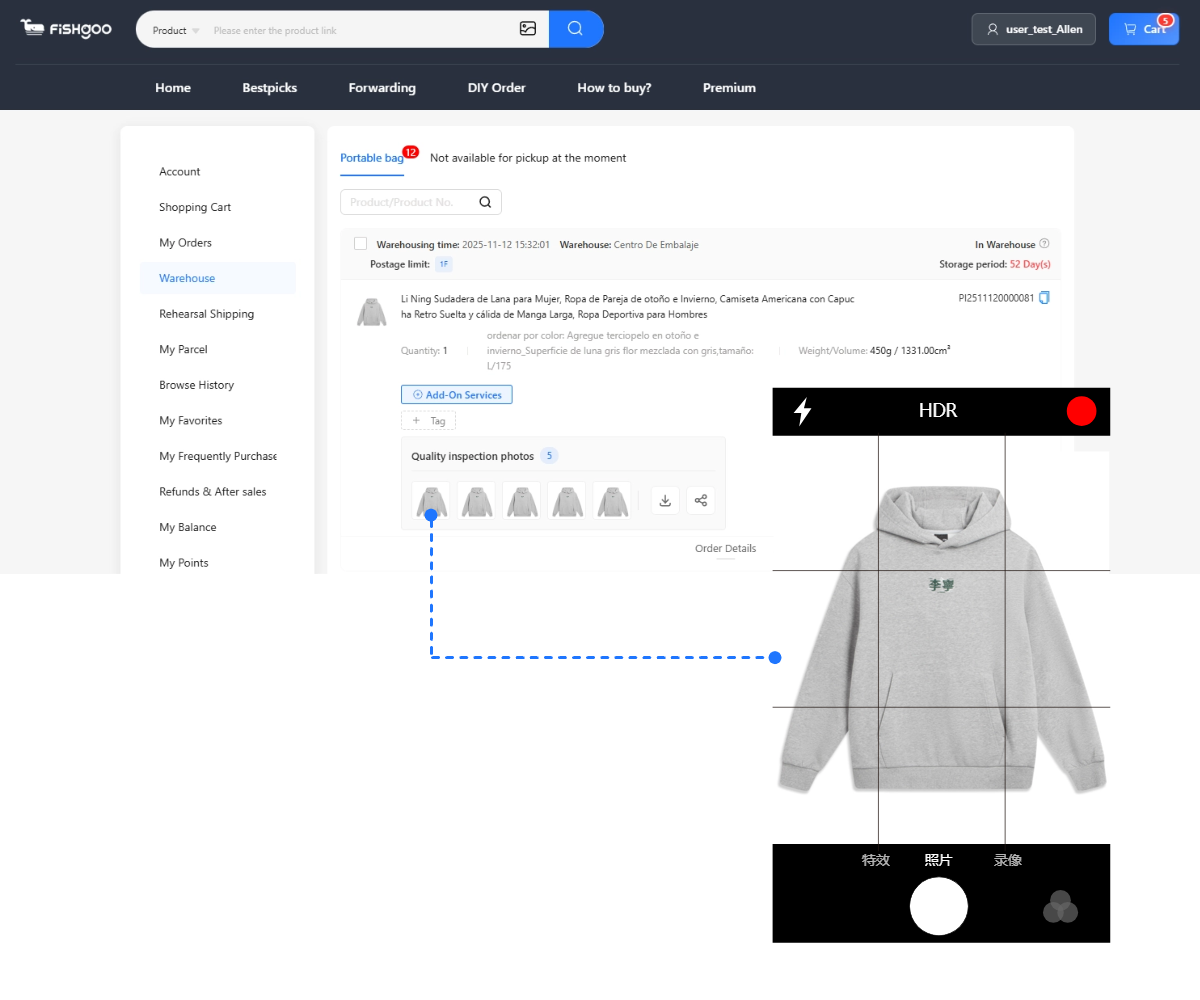
- Scrutinize your 5 free QC photos. Catalog photos and the item that ships can differ — here more than anywhere. Check against the album photos before approving international shipping; the QC photo guide covers exactly what to look for.
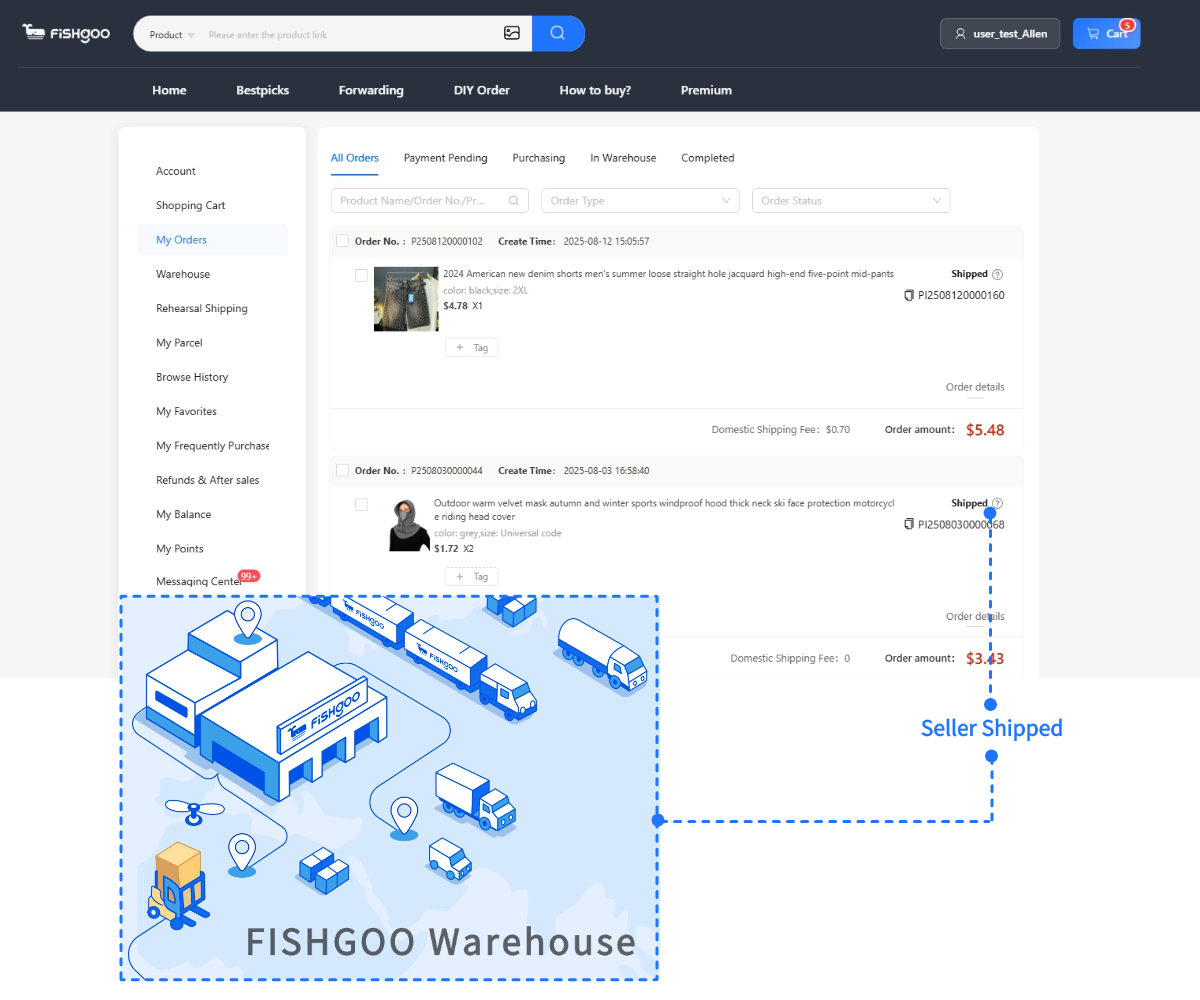
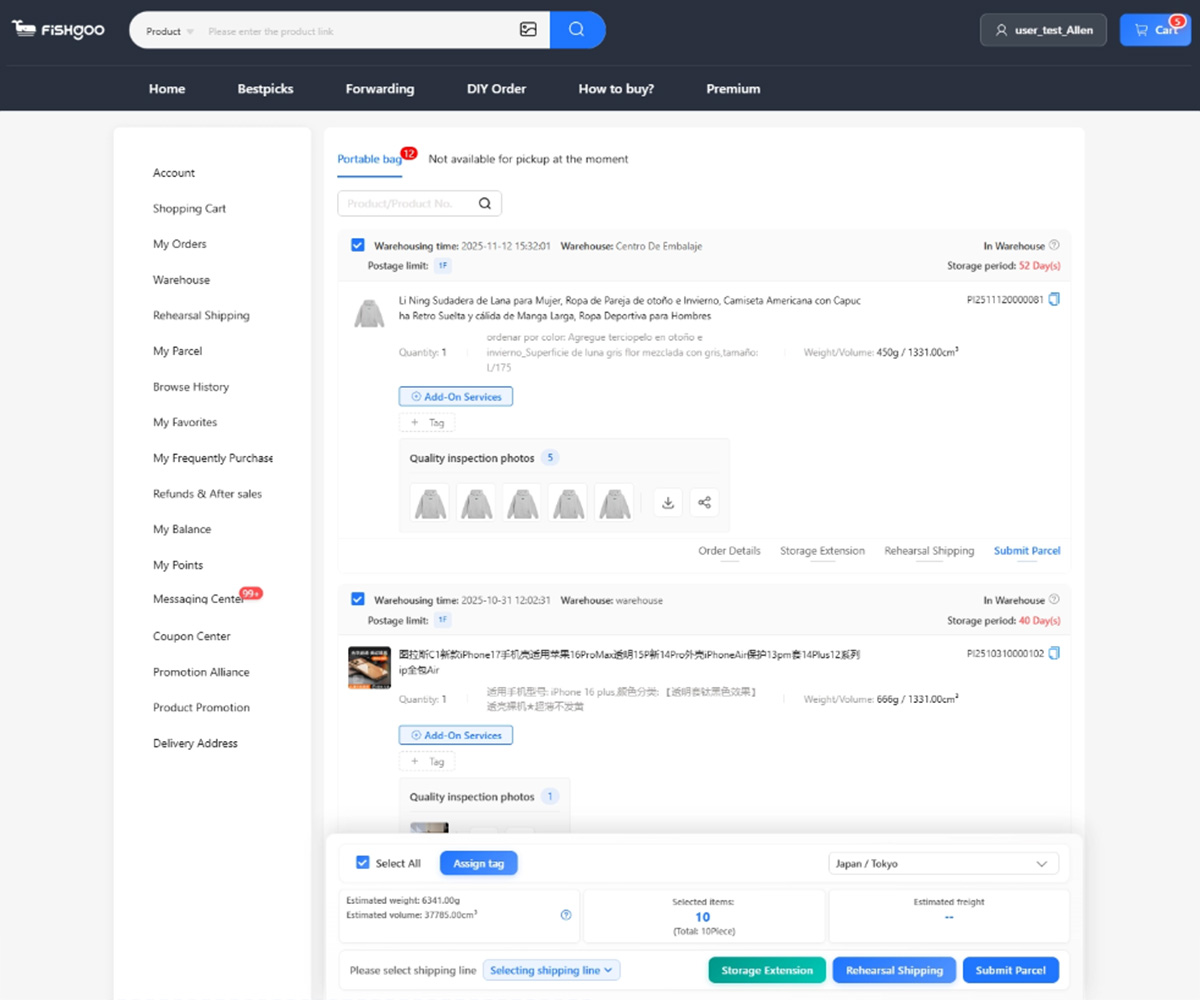
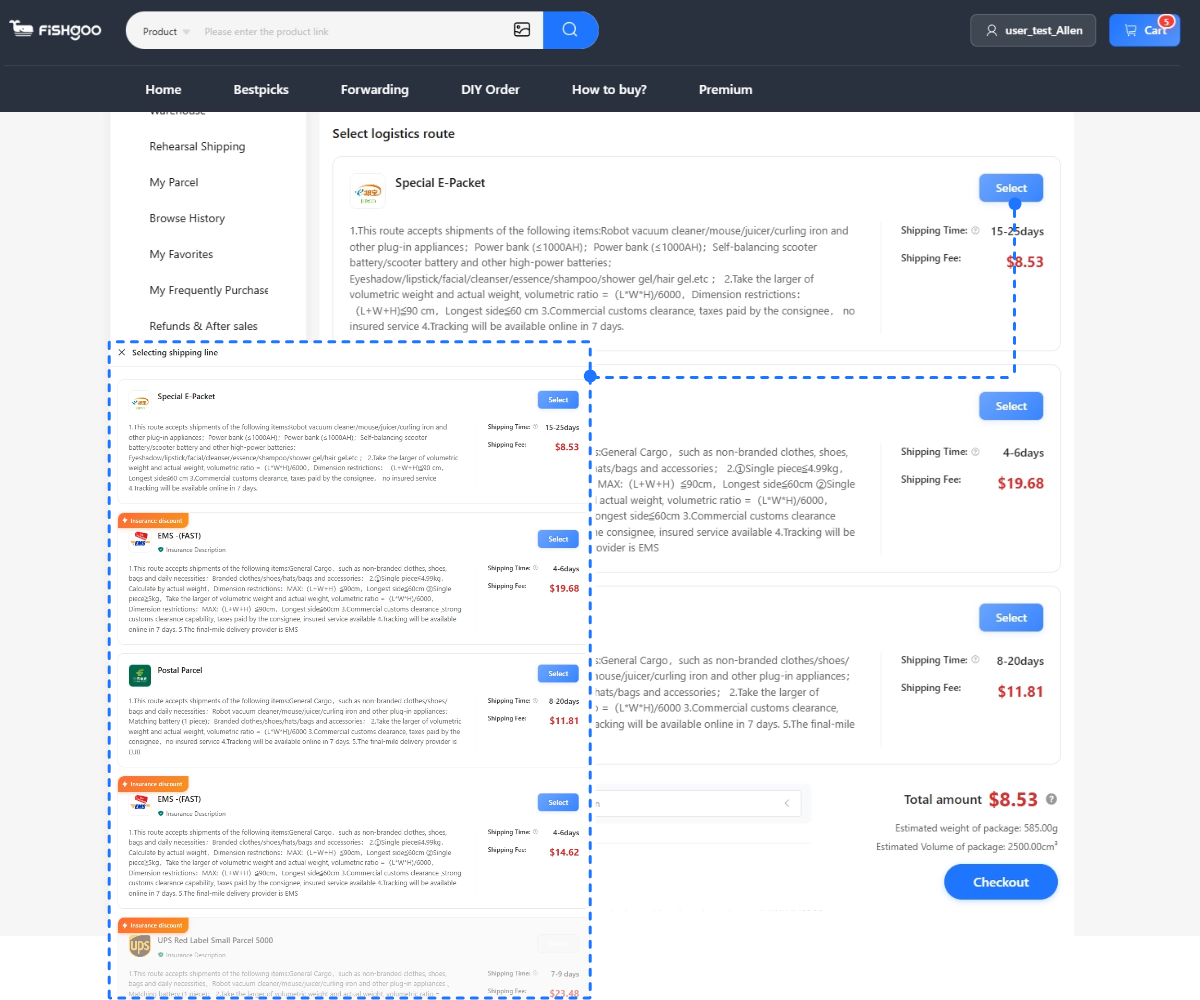
- Consolidate and ship with your Taobao, Weidian or 1688 orders (100 days of free storage) — route logic in the shipping guide.
The Safety Rules (Read This Twice)
- The album is a catalog, not a contract. Everything — price, stock, condition — must be confirmed at order time.
- Branded goods in third-party albums carry real counterfeit risk. Platform rules prohibit infringing goods and agents cannot purchase or ship them. If a branded item’s deal looks too good to be true, it is — stick to original and unbranded products.
- Judge the seller, not the photos. Long-running albums with consistent updates beat fresh ones with stunning pictures.
- Keep payment traceable. Agent route, always. No direct transfers.
Yupoo vs Taobao vs Weidian: What Each Is For
| Yupoo | Taobao | Weidian | |
|---|---|---|---|
| What it is | Photo-album catalog host | Retail marketplace | Micro-store platform |
| Prices shown | Rarely | Always | Always |
| Checkout on platform | None | Yes (domestic) | Yes (domestic) |
| Buyer protection | None — comes from your agent | Platform + agent | Platform + agent |
| Best use | Browsing a specific seller’s catalog | Everything new | Small brands & community sellers |
New to the other two? Start with how to buy from Taobao and the Weidian guide; for second-hand, see Xianyu (Goofish).
FAQ
What is Yupoo?
Yupoo is a Chinese image and album hosting platform — not a store. Sellers use albums at addresses like sellername.x.yupoo.com as product catalogs: organized photo collections with item names and codes. There is no cart, no checkout and no buyer protection on Yupoo itself; ordering happens off-platform.
Can you buy directly on Yupoo?
Yupoo hosts the photos. Check the caption for a marketplace listing, or request a quote for that specific item. Confirm the variant and price before paying.
How do I order from a Yupoo album?
Copy the item page and its code. Use the marketplace link if one is included. For an album-only item, ask the agent to confirm the variant, price and availability.
Is Yupoo safe?
The platform itself just hosts images, so safety depends entirely on the seller behind the album. Two firm rules: route payment through an agent so there’s a record and a dispute path, and treat branded goods in third-party albums with high suspicion — counterfeit risk is real, platform rules prohibit infringing goods, and agents cannot ship them. Stick to original and unbranded products.
Why don’t Yupoo albums show prices?
Sellers may leave prices out of photo captions. Ask for the current price of the exact item code, colour and size.
Does Fishgoo support Yupoo links?
You can share the album or item page with Fishgoo. Include the item code so the agent can identify it. A photo alone does not confirm the price or stock.


Start with one product, sample or restock task
Send the product link or description, approximate quantity and destination. Review the scope before any paid purchasing work begins.